Multi-language add-on
Let every guest upload in a language that feels familiar.
Add translated guest instructions to your event album so international family, bilingual guests, and older relatives can scan the same QR code and know exactly what to do.
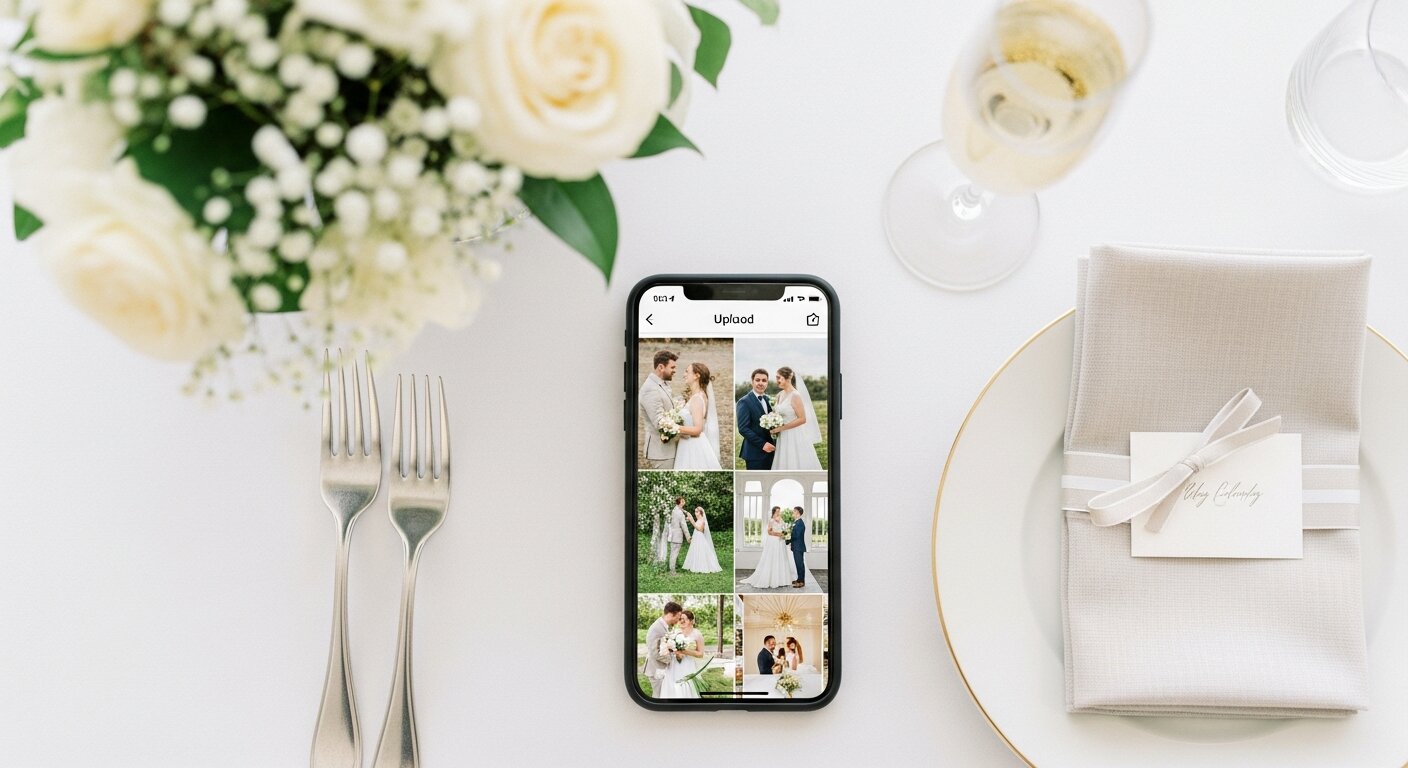
Same album
Different guest languages
Why it matters
The QR code is easy. The instructions still need to be clear.
At multilingual events, the awkward moment is not scanning the code. It is what happens next: a guest lands on an English upload page, hesitates, and decides to send the photo later. Later usually means never.
Supported languages
Start with the languages your guests actually use.
These are the common options we support for guest-facing upload instructions. If your event needs another language, ask before setup and we will confirm what is possible.
Spanish
ESgreat for quinceaneras and bilingual weddings
French
FRfor overseas family and destination events
German
DEclear upload prompts for German-speaking guests
Portuguese
PTideal for Brazilian and Portuguese families
Italian
ITsimple instructions for Italian-speaking relatives
Dutch
NLbrowser-friendly guest upload copy
How it fits into your album setup
You still get one album, one QR code, and one private gallery. The add-on simply makes the guest-facing upload flow easier for people who do not want to work through English instructions.
Choose the languages
Add multi-language support during checkout and select the languages your guests need.
Share the same QR code
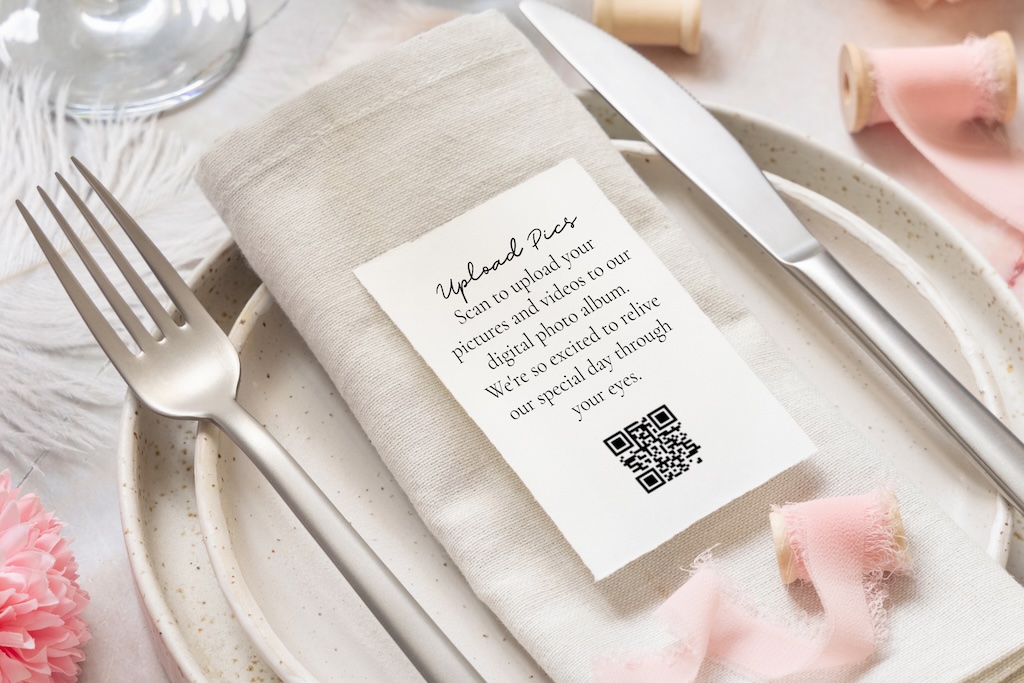
No separate signs or links. Everyone scans the same code from the table sign, invite, or welcome display.
Guests upload with less guessing
Buttons, upload prompts, and helper text appear in the guest-facing language experience.
Real-world use
Perfect for events where the guest list crosses languages.
A bilingual album is especially useful when family members are traveling, older guests are less confident with English, or you want the upload experience to feel thoughtful instead of improvised.
- Quinceaneras with Spanish-speaking family
- Destination weddings with overseas guests
- Corporate events with international attendees
- Family reunions across generations
Questions
What to know before adding it
The goal is simple: one QR code for every guest, with fewer moments where someone has to ask for help.
Does this create a separate album for each language?
No. Everyone uploads to the same private album. The add-on changes the guest-facing instructions, not where the photos go.
Do guests need to choose their language manually?
The experience is designed to feel natural for guests. If you know a language is important for your event, add it during checkout and we configure the guest flow around it.
Can I request a language that is not listed?
Yes. The listed languages are the common options. If your event needs another language, order the album and contact us before setup so we can confirm the best path.
Is it charged per guest?
No. It is a one-time add-on. You are not charged based on the number of guests who use the translated upload page.
One-time add-on
Make the upload page easier for every guest.
Add multi-language support during checkout, choose the languages your event needs, and keep every guest uploading to the same private album.