Best QR Code for Wedding Photos in 2026: Complete Comparison Guide
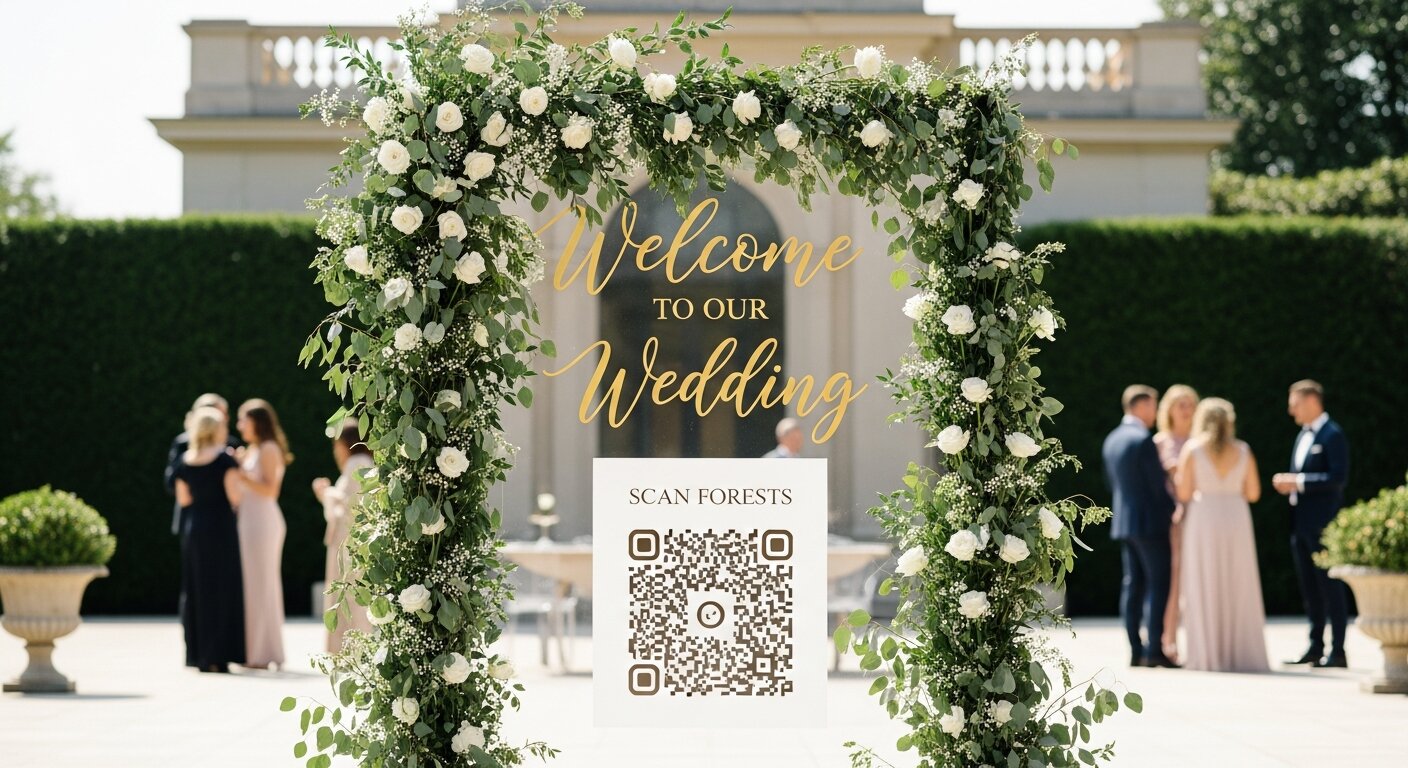
You want every magical moment of your wedding captured—not just by your photographer, but from every guest's unique perspective. A QR code for wedding photos is the modern solution, but with so many options available in 2026, which one is actually the best?
We've tested the most popular wedding photo QR code solutions and compared them on ease of use, features, pricing, and most importantly—how many photos they actually help you collect.
Quick Comparison: Best Wedding Photo QR Codes
| Solution | Best For | Price | App Required? |
|---|---|---|---|
| Our Event Album | Maximum participation | $60 one-time | No |
| Joy | Full wedding planning | Free (limited) - $200+ | Yes |
| The Guest | App-based galleries | $99-199 | Yes |
| WedShoots | Social features | Free - $50 | Yes |
| Google Photos shared album | Budget option | Free | Yes (Google account) |
What Makes a Great Wedding Photo QR Code?
Before diving into specific solutions, let's establish what actually matters:
1. No App Required (Critical)
The single biggest factor in photo collection success is eliminating the app download barrier. Industry data shows:
- App-required solutions: 15-25% guest participation
- Browser-based (no app): 60-80% guest participation
That's potentially 3-4x more photos simply by removing the download requirement.
2. Instant Scanning
Modern smartphones (iOS 11+ and Android 8+) can scan QR codes directly from the camera app. The best solutions take advantage of this—one scan, instant photo upload. No extra steps.
3. Works for All Ages
Your 75-year-old grandmother and your tech-savvy cousin should both be able to share photos. The simpler the process, the more inclusive your album becomes.
4. High-Resolution Photos
Social media compresses images heavily. A good wedding QR solution should preserve original photo quality—these are memories you'll print and cherish.
Detailed Reviews: Wedding Photo QR Code Solutions
Our Event Album — Best Overall
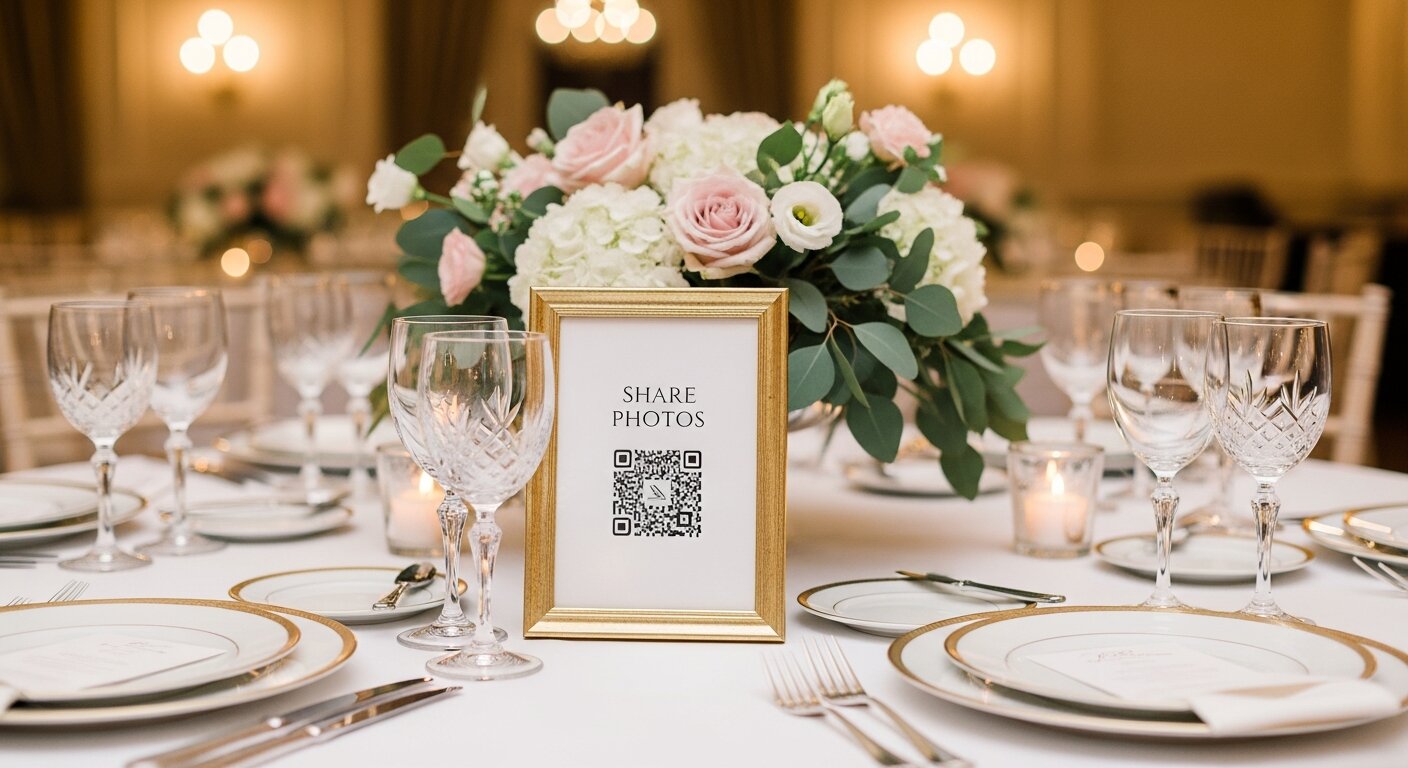
Why it stands out: No app download required. Guests scan the QR code, tap to select photos, and upload. Done in under 30 seconds.
Pros:
- Browser-based—works on any smartphone
- One-time payment ($60), no subscriptions
- Unlimited photos and guests
- Beautiful downloadable QR code signs
- High-resolution photo preservation
- Works great for quinceañeras, corporate events, and parties too
Cons:
- No wedding planning features (focused purely on photo collection)
- No social feed or comments
Average participation rate: 65-80%
Joy (WithJoy.com) — Best Full Wedding Suite
Why it stands out: Joy is a complete wedding planning platform with guest lists, RSVPs, registry, and yes—photo sharing.
Pros:
- All-in-one wedding planning
- Beautiful website builder
- Free tier available
- Guest messaging features
Cons:
- Requires app download for photo uploads
- Premium features locked behind subscription
- Can feel overwhelming if you just want photos
Average participation rate: 20-30% (due to app requirement)
The Guest App — Best Premium Experience
Why it stands out: Polished interface with features like photo challenges and live slideshows.
Pros:
- Live slideshow feature for receptions
- Photo challenges and prompts
- Professional-looking galleries
Cons:
- Requires app download
- Higher price point ($99-199)
- Overkill for simple photo collection
Average participation rate: 25-35%
WedShoots — Best Social Features
Why it stands out: Creates a private social network for your wedding with likes, comments, and activity feeds.
Pros:
- Social feed with engagement features
- Affordable pricing
- Real-time photo sharing
Cons:
- App download required
- Can be distracting during the event
- Limited free tier
Average participation rate: 20-30%
Google Photos Shared Album — Best Free Option
Why it stands out: Completely free if you can work around the limitations.
Pros:
- 100% free
- Unlimited storage (compressed)
- Easy to create
Cons:
- Requires Google account to upload
- QR code setup is manual/clunky
- No wedding-specific features
- Compresses photo quality
- Privacy concerns for some guests
Average participation rate: 15-25%
How to Get a QR Code for Wedding Photos
The process varies by solution, but here's the general approach:
- Choose your platform — Based on the comparison above, pick what fits your needs
- Create your event/album — Most platforms let you customize with your names and wedding date
- Generate your QR code — The platform creates a unique code linked to your album
- Design your display — Download or create signs to place on tables
- Test it — Have a friend scan and upload to make sure it works
- Display at your wedding — Place QR codes on tables, near the entrance, at the bar, etc.
QR Code Placement Tips for Maximum Photos
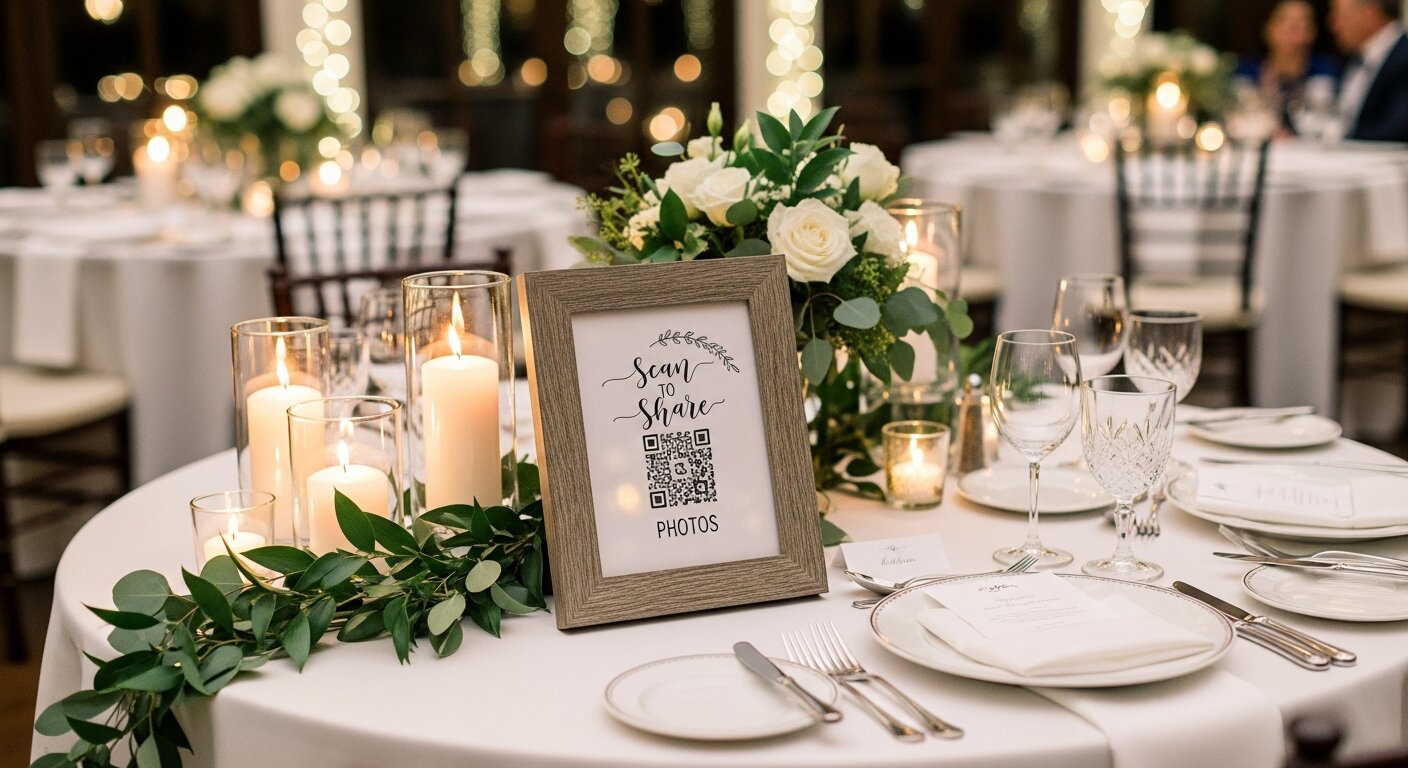
Where you place your QR codes dramatically affects participation:
- Every table — One sign per table is ideal
- Ceremony entrance/exit — Catch guests as they arrive
- Bar and food stations — People have phones out while waiting
- Photo booth area — Natural photo-taking zone
- Bathroom mirrors — Surprisingly effective spot
- Welcome sign area — High visibility
The Verdict: Which QR Code Should You Choose?
Here's our recommendation based on your priorities:
- Maximum photos collected: Our Event Album (no app = highest participation)
- Full wedding planning suite: Joy
- Premium live features: The Guest App
- Zero budget: Google Photos (with caveats)
If your primary goal is to capture the most guest photos possible, the data is clear: browser-based solutions dramatically outperform app-required ones. It's not even close.
Final Thoughts
Your wedding photos are irreplaceable. While your professional photographer captures the staged moments, it's your guests who capture the candid, spontaneous, real moments that make weddings magical.
Don't leave those moments to chance by choosing a solution that most guests won't bother with. Remove the barriers, make it simple, and watch your album fill with memories from every perspective.
Ready to collect 3-4x more guest photos?
Try Our Event Album — No app downloads. No subscriptions. Just beautiful memories from everyone who celebrates with you.
Our Event Album Team
Written by the Our Event Album team. We help event hosts collect guest photos with one QR code. Based in Australia.
More from the Blog

The #1 Wedding Trend of 2026: Why Crowdsourced Guest Photos Are Replacing Traditional Photography
Your 100 wedding guests have 100 cameras in their pockets. Here's why the smartest couples in 2026 are crowdsourcing guest photos — and how QR codes make it effortless.
How to Collect Photos from Wedding Guests: 7 Easy Methods
Discover the best ways to collect photos from your wedding guests. From QR codes to shared albums, find the perfect method for your celebration.
15 Creative QR Code Wedding Photo Display Ideas
Make your wedding QR code impossible to miss! Discover creative display ideas from table signs to welcome arches that get guests uploading photos.
Ready to Collect Event Photos?
Our Event Album lets guests share photos instantly with a QR code. No app download required.
Get Your Album — From $39