15 Creative QR Code Wedding Photo Display Ideas
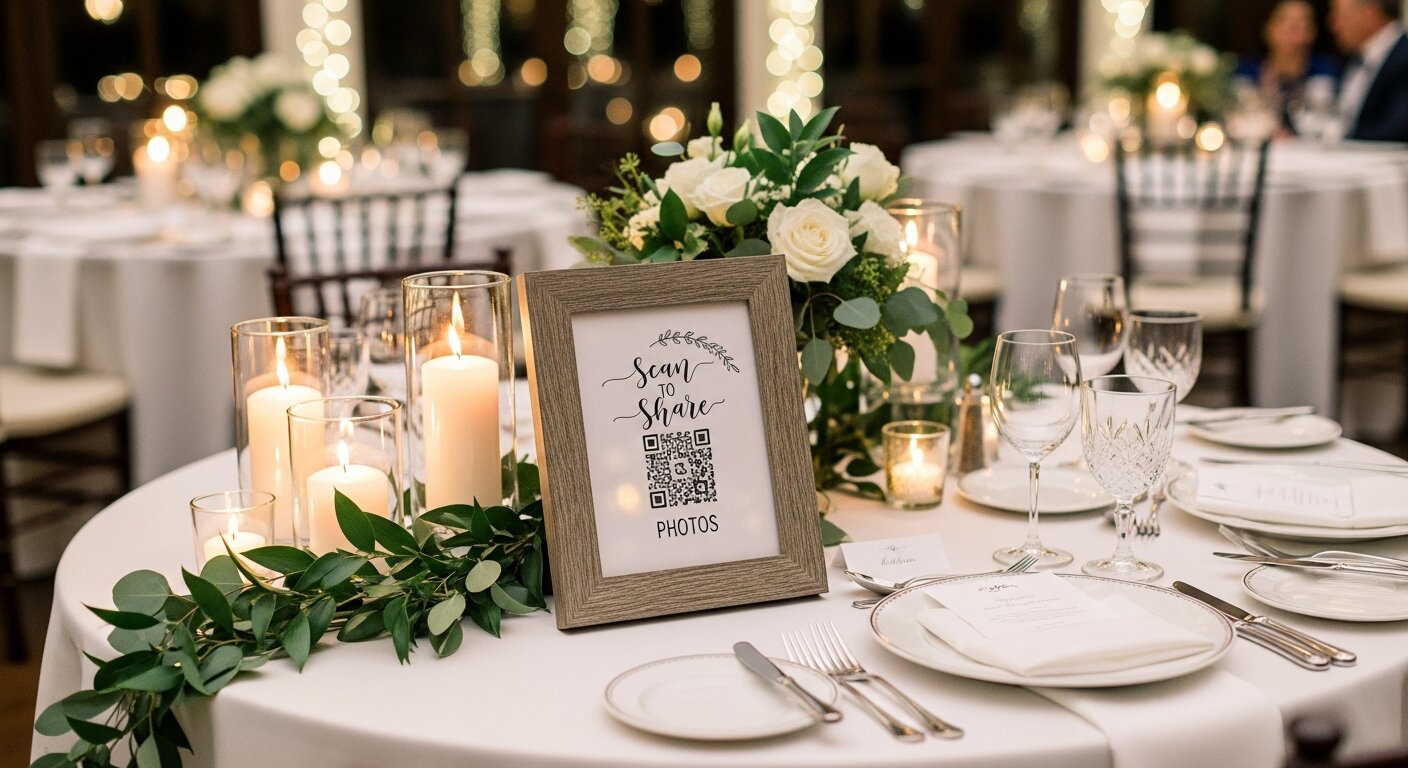
You've got your QR code for collecting guest photos—now where do you put it? The more visible your QR code, the more photos you'll collect. Here are 15 creative ways to display your wedding photo QR code that actually get guests scanning.
Table Displays
1. Framed Table Signs
The classic choice. Place a small framed sign on each table with your QR code and a simple message like "Scan to share your photos!"
Pro tip: Use frames that match your wedding decor—rustic wood for barn weddings, gold or acrylic for elegant affairs.
2. Table Number Integration
Combine your table numbers with the QR code. Guests look at the table number anyway, so they'll definitely see the QR code.
3. Menu Card Addition
Add the QR code to the bottom of your menu cards. Guests spend time reading menus while waiting for food—perfect scanning opportunity.
4. Napkin Wraps
Print QR codes on paper bands that wrap around napkins. Every place setting becomes a photo-sharing prompt.
Entrance & High-Traffic Areas
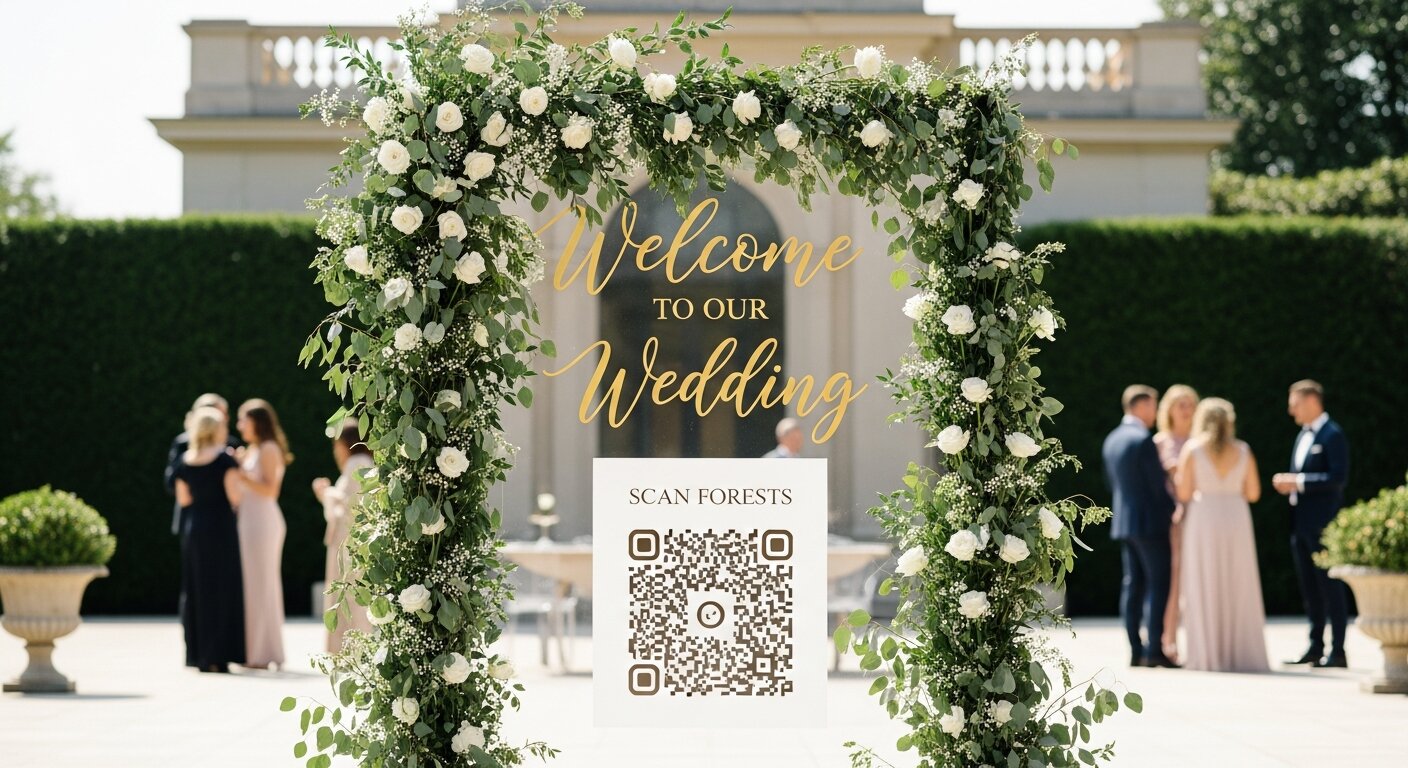
5. Welcome Sign
Add your QR code to your wedding welcome sign at the entrance. Guests see it as they arrive while they're excited and have their phones out.
6. Seating Chart Display
If you have a seating chart, add the QR code prominently. Everyone stops here, making it prime real estate.
7. Bar Signage
Put a QR code sign near the bar. People congregate here, often with phones already out. Perfect for capturing those champagne toast moments.
8. Photo Booth Area
If you have a photo booth, add a QR code nearby. Guests in "photo mode" are primed to share.
Creative & Unique Placements
9. Cocktail Napkins
Custom cocktail napkins with your QR code. Functional and memorable—guests might even take them home.
10. Bathroom Mirror Decal
A tasteful decal on the bathroom mirror catches guests during quiet moments. Great for selfie reminders!
11. Dance Floor Projection
Project your QR code onto the dance floor during specific songs. Modern and attention-grabbing.
12. Dessert Table Signage
Everyone visits the dessert table. Add a sign that says "Snap a photo of your dessert choice—and share it!"
Wearable & Interactive
13. Groomsmen Pocket Squares
Print QR codes on pocket squares for your wedding party. Conversation starter and functional!
14. Gift Table Sign
Place a sign near the gift table: "Your presence is our present—share your photos here!"
15. Exit Toss Station
At the sparkler/confetti/bubble station, add a QR code reminder: "Capture this moment and share it!"
Display Design Tips
Regardless of placement, follow these design principles:
- Keep it simple: "Scan to share photos" is all you need
- Make it big enough: QR code should be at least 2"x2" for easy scanning
- High contrast: Dark QR on light background (or vice versa)
- Test it: Scan every QR code before the wedding to make sure it works
- Include a fallback: Add a short URL for guests who have trouble scanning
How Many Displays Do You Need?
| Guest Count | Recommended Displays |
|---|---|
| Under 50 | 5-8 displays |
| 50-100 | 10-15 displays |
| 100-200 | 20-25 displays |
| 200+ | 30+ displays |
The rule of thumb: guests should see a QR code within 10 feet of wherever they're standing.
Ready to create beautiful QR code signs for your wedding? Try our free Wedding Sign Generator to design printable QR code displays that match your style.
Our Event Album Team
Written by the Our Event Album team. We help event hosts collect guest photos with one QR code. Based in Australia.
More from the Blog

The #1 Wedding Trend of 2026: Why Crowdsourced Guest Photos Are Replacing Traditional Photography
Your 100 wedding guests have 100 cameras in their pockets. Here's why the smartest couples in 2026 are crowdsourcing guest photos — and how QR codes make it effortless.
How to Collect Photos from Wedding Guests: 7 Easy Methods
Discover the best ways to collect photos from your wedding guests. From QR codes to shared albums, find the perfect method for your celebration.
Best QR Code for Wedding Photos in 2026: Complete Comparison Guide
Looking for the best way to collect guest photos at your wedding? We compare the top QR code photo sharing solutions, from free options to premium services.
Ready to Collect Event Photos?
Our Event Album lets guests share photos instantly with a QR code. No app download required.
Get Your Album — From $39