How to Collect Photos from Wedding Guests: 7 Easy Methods
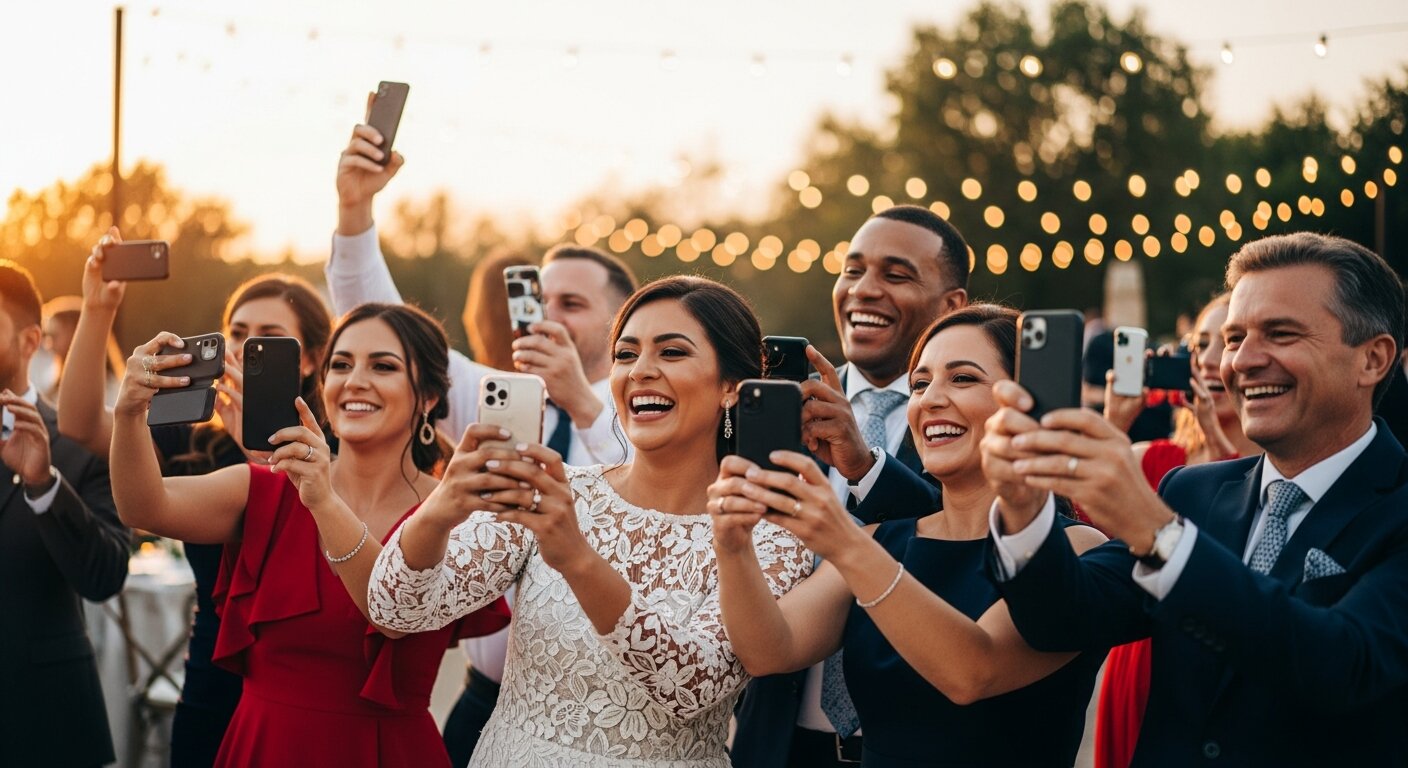
Your wedding day flies by in a blur of emotions, vows, and celebration. While your photographer captures the formal moments, your guests are snapping candid shots you'll never see—unless you have a plan to collect them.
Every guest at your wedding has a unique perspective. The quiet moment your grandmother wiped away a tear. Your college friends doing their signature pose. The kids on the dance floor. These authentic moments often become the most treasured photos from your day.
But how do you actually get these photos from 50, 100, or 200+ guests? Asking everyone to email you doesn't work (trust us, maybe 5% will follow through). You need a system.
Here are seven proven methods to collect photos from your wedding guests, ranked by effectiveness.
1. QR Code Photo Sharing (Most Effective) ⭐
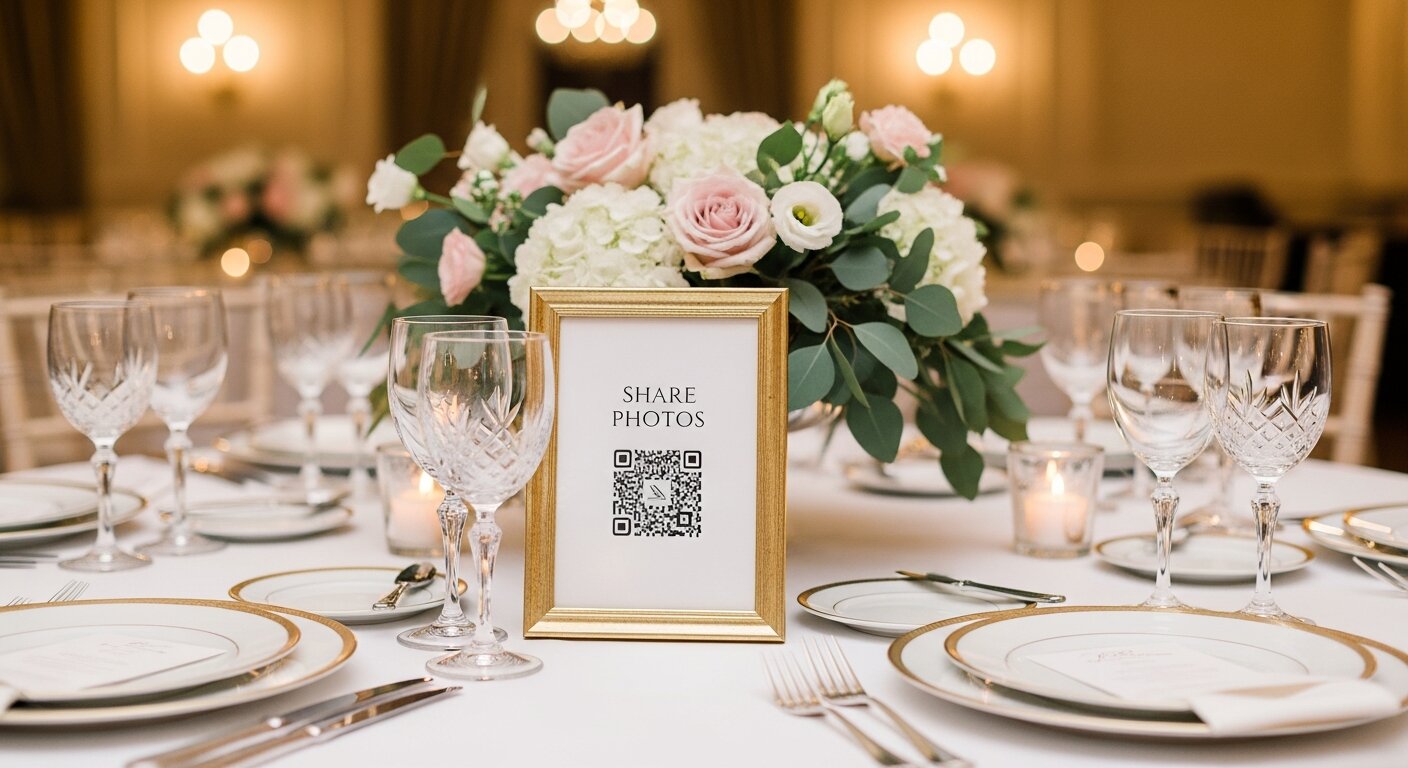
How it works: Display a unique QR code at your venue. Guests scan it with their phone camera and instantly upload photos to a shared gallery—no app download required.
Pros:
- Works on any smartphone
- No app installation needed
- Guests of all ages can use it
- Photos collected in real-time
- You own all the photos
Cons:
- Requires WiFi or mobile data at venue
- Small upfront cost
Best for: Couples who want maximum participation with minimum friction
💡 Pro tip: Place QR codes on table centerpieces, near the bar, and at the entrance. The more visible, the more uploads you'll receive.
Our recommendation: Our Event Album provides a unique QR code, printable sign templates, and unlimited uploads for a one-time fee.
2. Shared Google Photos Album
How it works: Create a shared Google Photos album and send the link to guests before or during the wedding.
Pros:
- Free
- Most people have Google accounts
- Easy to download all photos later
Cons:
- Guests need a Google account
- Some older guests struggle with the interface
- Link sharing can be confusing
- No dedicated wedding experience
Best for: Tech-savvy guest lists on a tight budget
3. Wedding Hashtag
How it works: Create a unique hashtag (like #SmithWedding2026) and ask guests to use it when posting to Instagram.
Pros:
- Free
- Creates social buzz
- Easy to remember
Cons:
- Only works for Instagram users
- Photos are public (unless all guests have private accounts)
- You don't own the photos
- Hashtags can be hijacked
- Hard to download all photos
Best for: Couples who want social media engagement
4. Dedicated Wedding App
How it works: Use an app like The Guest or Joy that guests download to share photos.
Pros:
- Purpose-built for weddings
- Often includes other features (RSVP, schedule)
Cons:
- Guests must download an app
- Creates friction (15-25% participation rate)
- May require account creation
- Often expensive or subscription-based
Best for: Couples already using a wedding planning app
5. Disposable Cameras
How it works: Place disposable cameras on each table for guests to use.
Pros:
- No tech required
- Fun, nostalgic vibe
- Works without WiFi
Cons:
- Expensive (cameras + developing)
- Limited shots per camera
- Many photos turn out blurry
- Takes weeks to get photos
- Cameras often go missing
Best for: Vintage-themed weddings or venues with no cell service
6. Group Text or WhatsApp
How it works: Create a group chat where guests can send photos.
Pros:
- Free
- Everyone knows how to use it
- Instant sharing
Cons:
- Chaotic for large weddings
- Photos compressed (lower quality)
- Hard to organize
- Guests may mute the chat
Best for: Small, intimate weddings (under 30 guests)
7. Email Request
How it works: Send a follow-up email after the wedding asking guests to share photos.
Pros:
- Free
- Simple to set up
Cons:
- Very low response rate (under 10%)
- Photos often forgotten
- No real-time collection
- Requires follow-up
Best for: Backup option only
The Verdict: QR Codes Win
After reviewing all methods, QR code photo sharing offers the best balance of ease, participation, and ownership. Here's why:
- No friction: Scan and upload in seconds
- Inclusive: Works for all ages and tech levels
- Real-time: See photos as they're taken
- You own it: Download and keep all photos forever
Ready to collect all those guest photos? Try Our Event Album for your wedding.
Our Event Album Team
Written by the Our Event Album team. We help event hosts collect guest photos with one QR code. Based in Australia.
More from the Blog

The #1 Wedding Trend of 2026: Why Crowdsourced Guest Photos Are Replacing Traditional Photography
Your 100 wedding guests have 100 cameras in their pockets. Here's why the smartest couples in 2026 are crowdsourcing guest photos — and how QR codes make it effortless.
Best QR Code for Wedding Photos in 2026: Complete Comparison Guide
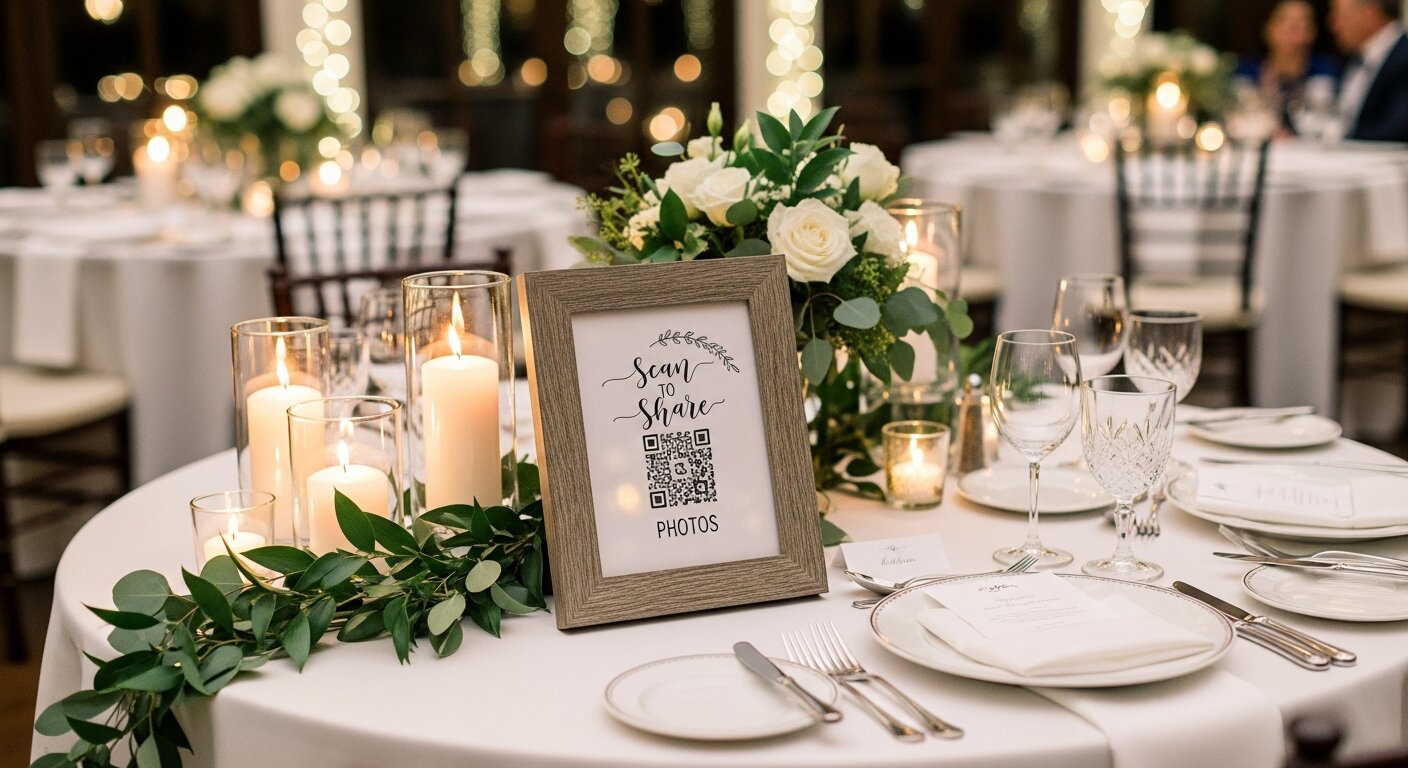
Looking for the best way to collect guest photos at your wedding? We compare the top QR code photo sharing solutions, from free options to premium services.
15 Creative QR Code Wedding Photo Display Ideas
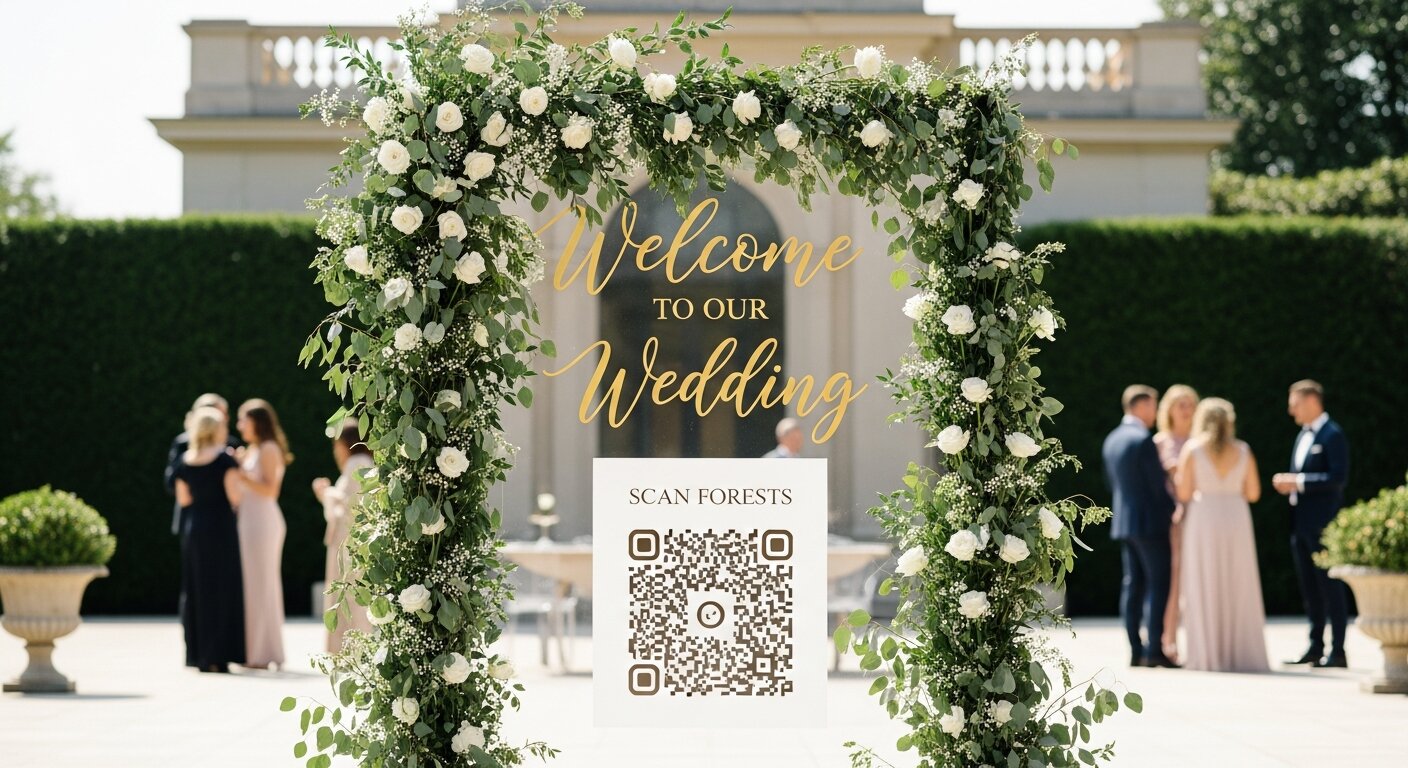
Make your wedding QR code impossible to miss! Discover creative display ideas from table signs to welcome arches that get guests uploading photos.
Ready to Collect Event Photos?
Our Event Album lets guests share photos instantly with a QR code. No app download required.
Get Your Album — From $39