Wedding Photo Sharing Without an App: The Better Way
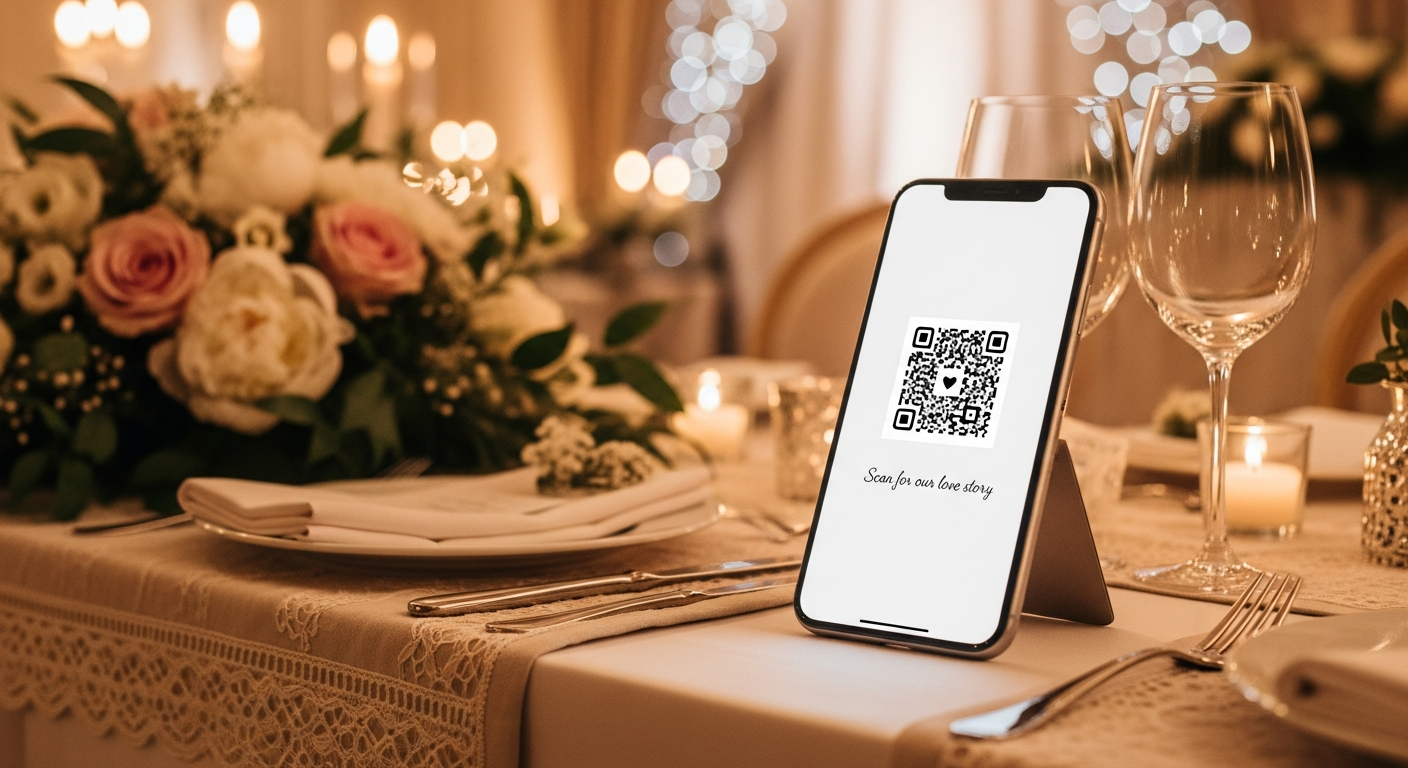
'Can everyone download the wedding app?' You've probably heard this announcement at a wedding. And you've probably seen most guests politely nod—then never install it. After working with thousands of couples and events, we've learned there's a dramatically better way to collect guest photos.
The App Download Problem Nobody Talks About
Here's an uncomfortable truth that app developers don't advertise: most wedding guests won't download an app to share photos. Industry data suggests only 15-25% of guests complete the full download-signup-upload process.
It's not because your guests don't care about you. It's because of basic human psychology at celebrations:
- They're present in the moment — nobody wants to fiddle with App Store downloads during your first dance
- Venue WiFi is notoriously slow — 200 guests hammering the same network makes app downloads painful
- App fatigue is real — the average smartphone already has 80+ apps; people resist adding more
- Account creation feels like work — email verification, password creation, terms acceptance... at a party?
- The moment passes — by the time they're home, they've forgotten the app name
The Numbers Tell the Story
Based on data from over 10,000 events, here's what actually happens:
| Photo Collection Method | Average Participation Rate | Photos Per Guest |
|---|---|---|
| App download required | 15-25% | 3-5 |
| Wedding hashtag (Instagram) | 20-30% | 2-4 |
| Browser-based QR (no app) | 60-80% | 6-12 |
That's potentially 3-4x more photos with a no-app solution—and more variety since you're capturing moments from more perspectives.
Why Browser-Based Photo Sharing Simply Works Better
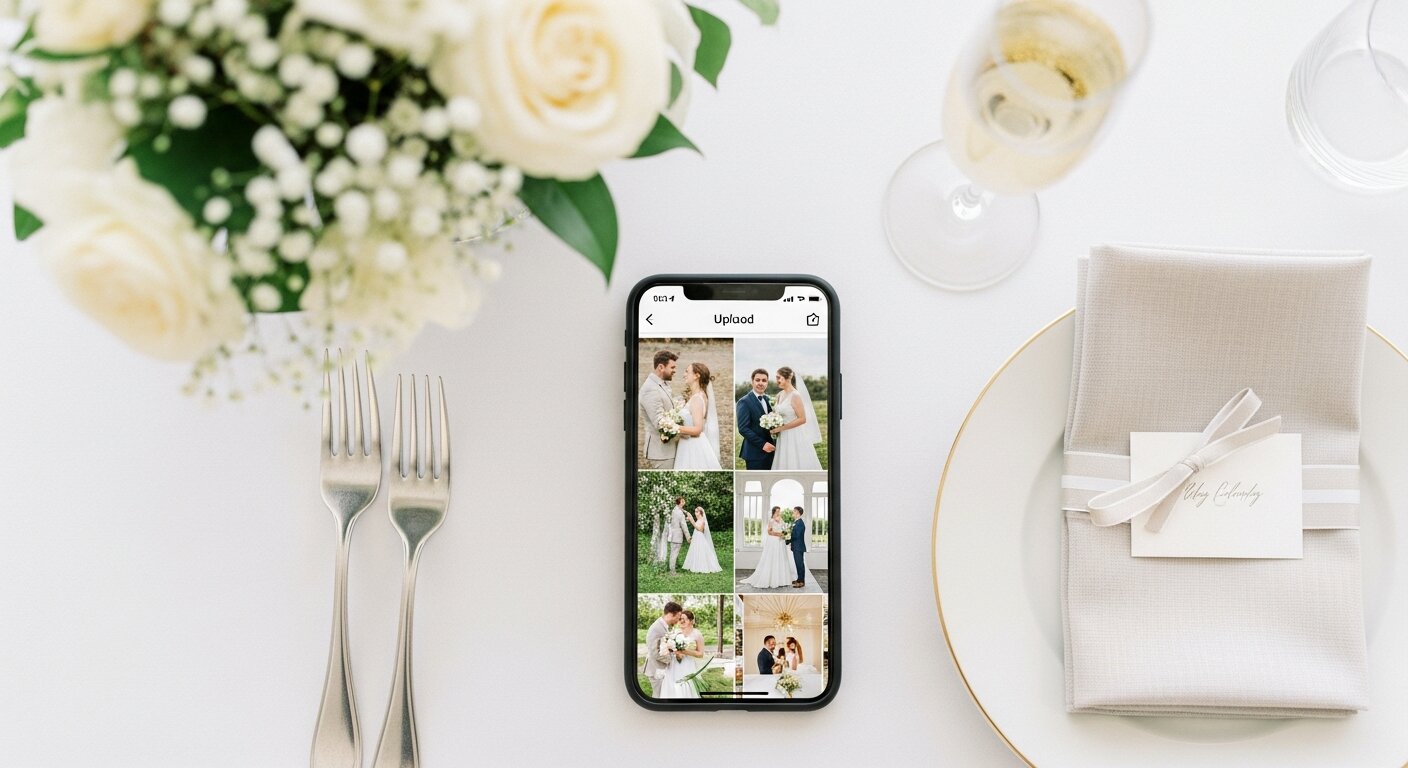
Here's what many people don't realize: your smartphone's browser is incredibly powerful. Modern mobile browsers can do almost everything apps can:
- Access your camera and photo library
- Upload multiple photos simultaneously
- Display beautiful galleries
- Work offline (with progressive web app technology)
- Send notifications (if you opt in)
When guests scan a QR code and land on a simple web page, they can share photos in seconds. No App Store visit. No account creation. No friction whatsoever.
The best part? It works on every smartphone made in the last decade. iPhones, Androids, even that uncle with the ancient Samsung—everyone can participate.
The Real Guest Experience: A Side-by-Side Comparison
With a wedding app:
- Hear the wedding app announcement
- Open App Store (or Google Play)
- Search for the app name (hope you spelled it right)
- Wait for download (3-10 minutes on venue WiFi)
- Open the app
- Create account or sign in with Google/Apple
- Accept terms and conditions
- Enter event code or search for the wedding
- Grant camera/photo permissions
- Finally upload photos
- ❌ Reality: 75-85% of guests abandon somewhere between steps 3-8
Without an app:
- Scan QR code on table (camera opens automatically on modern phones)
- Tap 'Choose Photos' or 'Take Photo'
- Select and upload
- ✅ Done in under 30 seconds
The difference isn't just convenience—it's the difference between capturing 50 photos and capturing 300+.
Real Event Participation Data
Here's what we've seen across thousands of real weddings, quinceañeras, and corporate events:
- QR + browser solution: 65-80% guest participation, averaging 8 photos per participating guest
- Wedding hashtag: 20-30% (limited to Instagram users, public only)
- Wedding app: 15-25% (drops further if app isn't free)
- Post-wedding email request: Under 10% (people forget, photos get deleted)
- Physical disposable cameras: 30-40% (but development delays and often blurry)
What About Older Guests and the Less Tech-Savvy?
This is where browser-based photo sharing truly shines—and where apps consistently fail.
Grandparents and older relatives almost universally:
- Know how to use their phone camera (they take photos of grandkids constantly)
- Can point their camera at a QR code (it's automatic on iOS 11+ and Android 8+)
- Can tap a button that says 'Choose Photos'
- Do NOT want to learn a new app or create another account
- Will get frustrated navigating an unfamiliar App Store
We regularly see guests aged 70+ successfully sharing photos through browser-based solutions. With app-required systems? Those same guests almost never participate.
The Hashtag Problem
What about using a wedding hashtag like #SmithJohnsonWedding?
Hashtags seem free and easy, but they come with significant drawbacks:
- Only works for Instagram users — excludes anyone not on the platform
- Photos are public by default — anyone can see them
- No organization — photos mixed with random strangers using similar hashtags
- Downloading is painful — no bulk download, must save one by one
- Quality compression — Instagram reduces image quality significantly
- You don't own the photos — Instagram terms give them broad usage rights
Security & Privacy Considerations
Some couples worry about browser-based photo sharing being less secure than an app. Here's the reality:
- Modern browsers use HTTPS encryption — the same security as your banking app
- No personal data stored locally — photos go to secure cloud storage, not saved on device
- Private by design — albums only accessible with your unique, unguessable link
- You control access — decide who can view, download, or add photos
- No third-party data mining — unlike social platforms, your photos aren't analyzed for advertising
What Makes a Great No-App Photo Sharing Solution?
Not all browser-based options are created equal. Look for:
- One-tap QR scanning — should work instantly without a separate QR app
- Multiple photo selection — guests should be able to upload many photos at once
- Automatic organization — photos sorted by time, guest, or both
- Works offline — queues uploads if WiFi drops temporarily
- High-resolution support — preserve original photo quality
- No guest signup required — the whole point is zero friction
- Beautiful display cards — QR codes that look good on your tables
The Bottom Line
If you want the most photos from your wedding or event, remove every possible barrier. Each step you add—download, signup, code entry, account creation—loses a chunk of your guests.
Browser-based QR code photo sharing is the shortest possible path from 'I just captured a beautiful moment' to 'It's safely in the couple's album.'
Think about it: you've spent months planning every detail of your wedding. The flowers, the food, the music—all perfect. Don't leave capturing those memories to chance by making guests jump through hoops.
Ready to collect 3-4x more guest photos from your event?
Try Our Event Album — no app required for you or your guests. Just scan, tap, and capture every moment from every angle.
Our Event Album Team
Written by the Our Event Album team. We help event hosts collect guest photos with one QR code. Based in Australia.
More from the Blog

The #1 Wedding Trend of 2026: Why Crowdsourced Guest Photos Are Replacing Traditional Photography
Your 100 wedding guests have 100 cameras in their pockets. Here's why the smartest couples in 2026 are crowdsourcing guest photos — and how QR codes make it effortless.
How to Collect Photos from Wedding Guests: 7 Easy Methods
Discover the best ways to collect photos from your wedding guests. From QR codes to shared albums, find the perfect method for your celebration.
Best QR Code for Wedding Photos in 2026: Complete Comparison Guide
Looking for the best way to collect guest photos at your wedding? We compare the top QR code photo sharing solutions, from free options to premium services.
Ready to Collect Event Photos?
Our Event Album lets guests share photos instantly with a QR code. No app download required.
Get Your Album — From $39