Fotos de boda con código QR: todas las fotos de tus invitados en un álbum privado.
Tu fotógrafo captura la ceremonia. Tus invitados capturan todo lo demás. Un código QR para fotos de boda privado guarda ambos recuerdos, junto con los mensajes que dejan tus invitados.

Private wedding album by link or QR code
Guests do not need an app, account, or social post to add their photos.
The candid wedding photos your guests are already taking.
The candid dance floor moments. The group shot your college friends took in the bathroom mirror. The look on your partner’s face when the best man started his speech.
These photos exist on 50, 80, maybe 100 different phones. Without an easy way to collect wedding guest photos they get buried in camera rolls and forgotten within weeks. That’s why so many couples now use a dedicated wedding photo app instead of a hashtag or a group chat.
OurEventAlbum is a private QR code for wedding photos that complements your photographer. It gives every guest one simple place to upload the table laughs, dance floor videos, getting-ready moments, and photos no one posed for.
Every moment. Every angle.
Your wedding is full of small moments your photographer can’t be in five places to catch. These are the ones your guests will photograph for you.
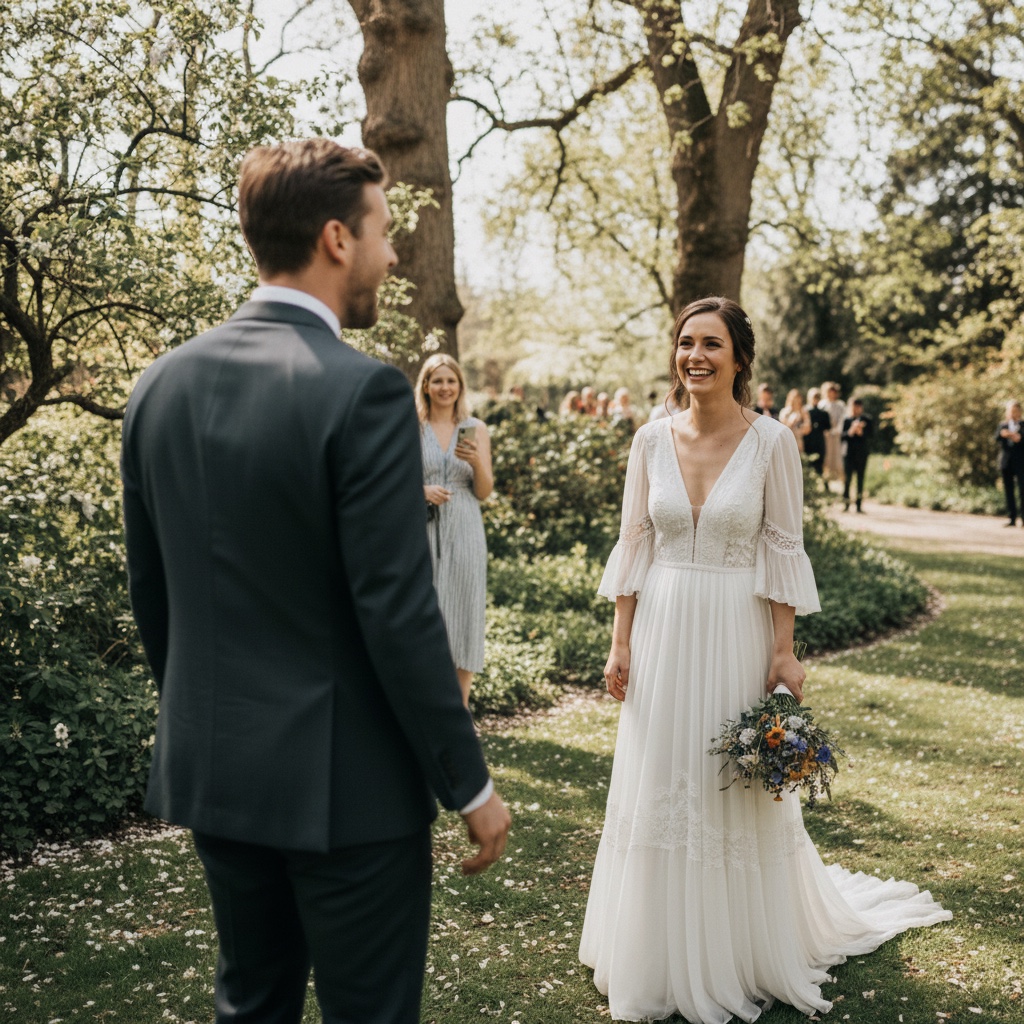
The First Look
Every angle as you see each other for the first time
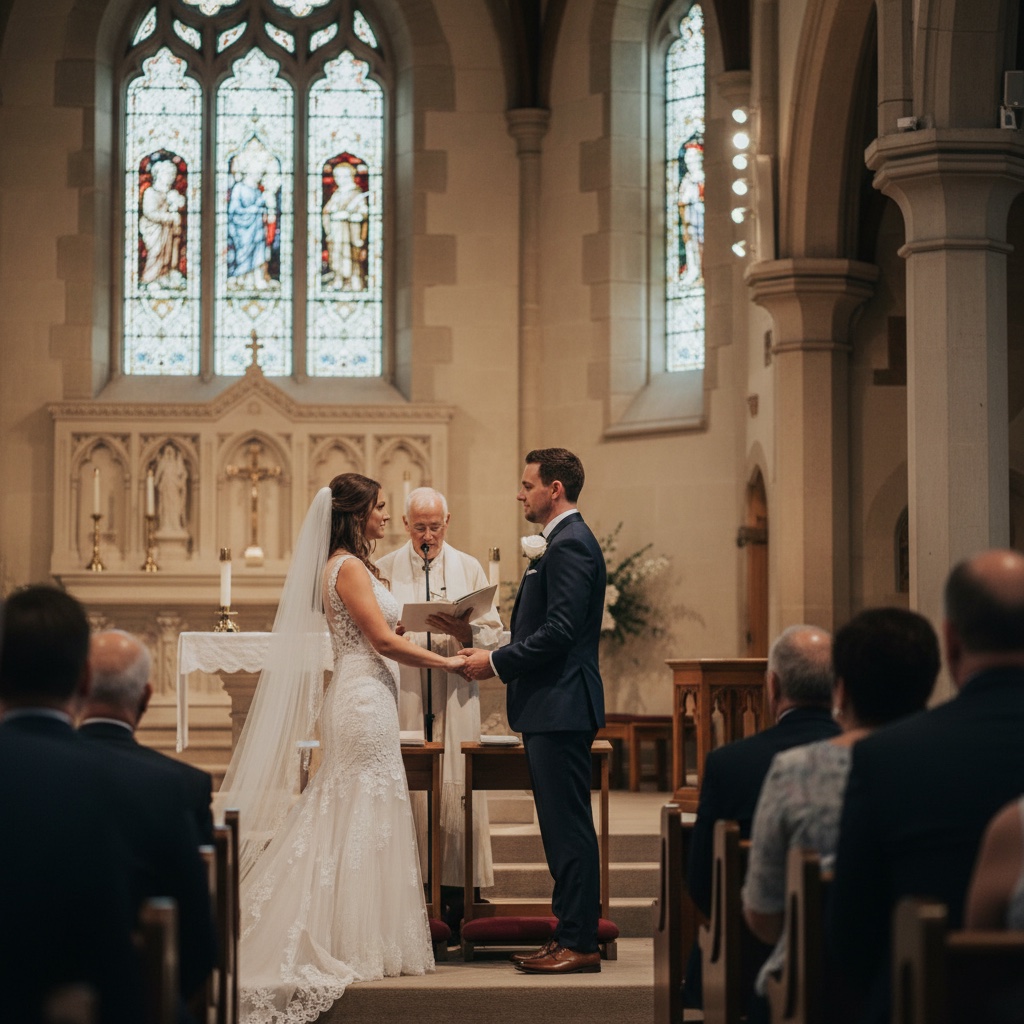
The Ceremony
I do. From every pew, every angle
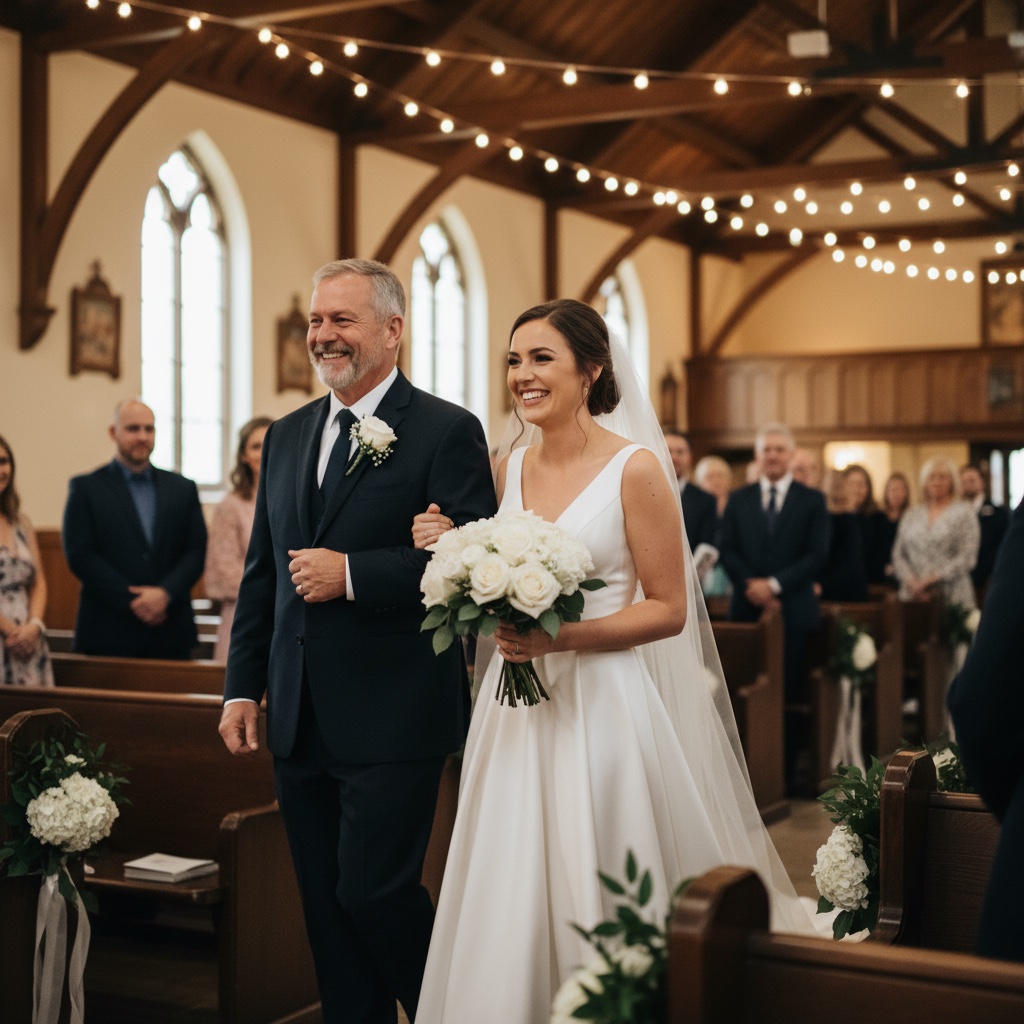
The Aisle
Mum or Dad walking you down. Captured by family

The Speeches
The toasts, the laughter, the happy tears
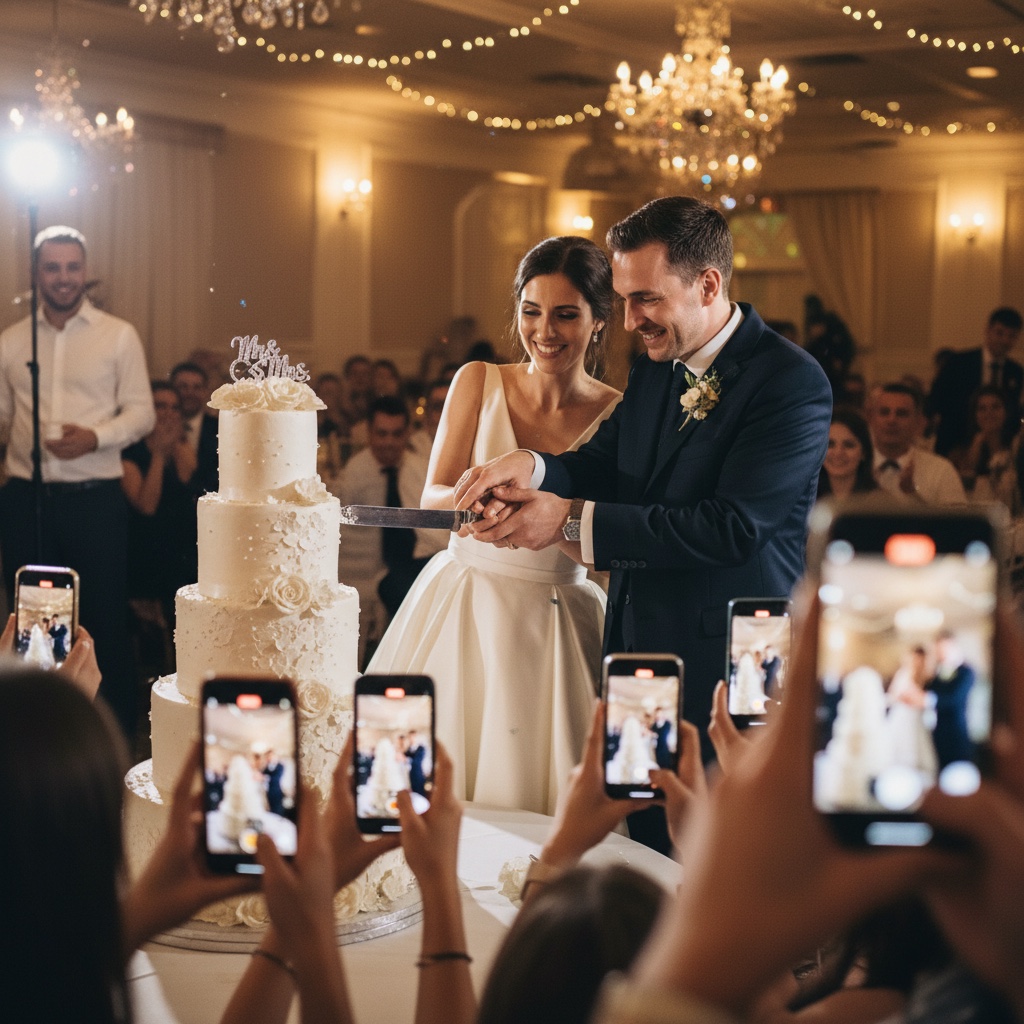
Cutting the Cake
The cake, the hands together, the kiss
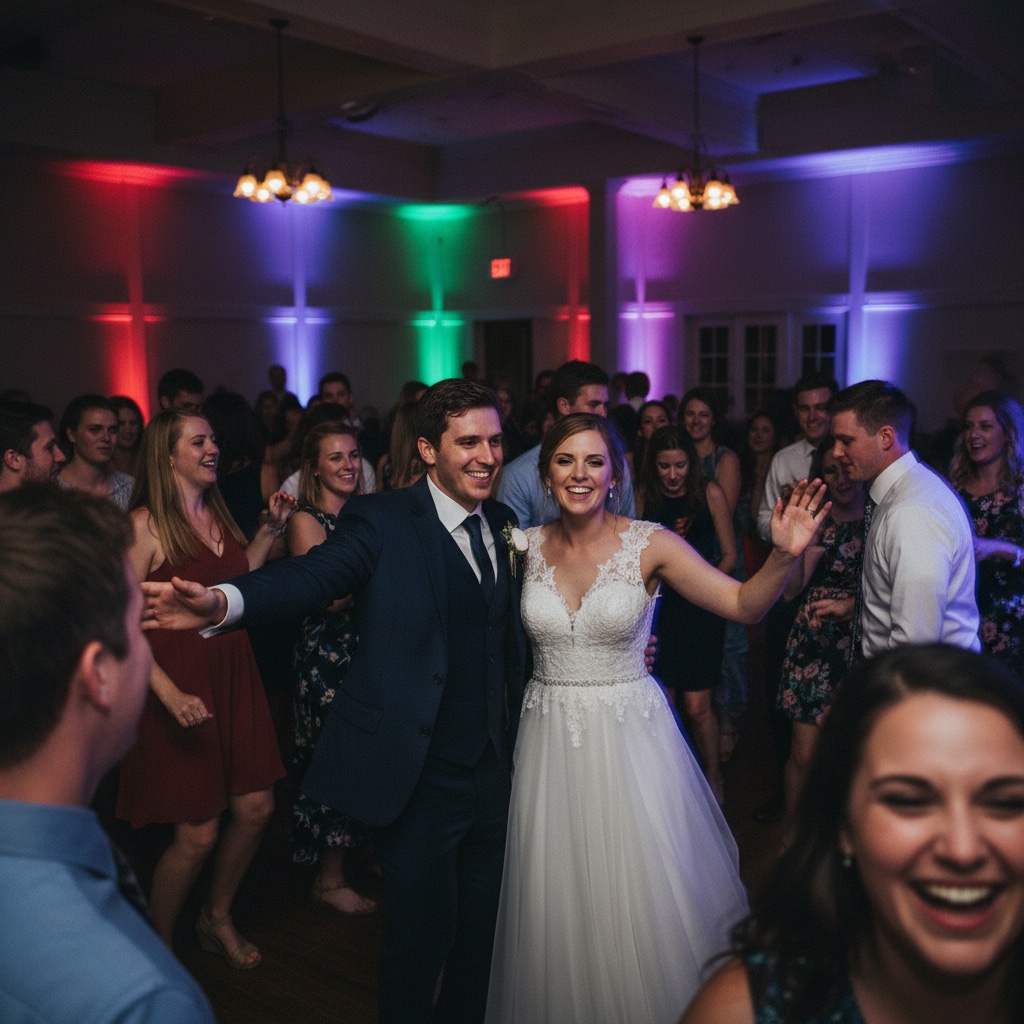
The Dance Floor
The first dance, the chaos, every moment of joy
Three steps. Five minutes.
Set up before the rehearsal dinner. Collect photos for months.
Create your wedding album
Add your names, your wedding date, and a welcome message for guests. You’ll get a unique link and printable wedding photo QR code so guests can reach the right album from the venue, invitation, or group chat.
Display your wedding QR code at the venue
Print our wedding sign templates and place them on guest tables, the bar, the gift table, or beside the guest book. Guests point their phone camera at the code. Wedding photo sharing without an app or account.
Watch the photos pour in
Guests upload photos and videos from their browser. Your album fills during the reception, the after-party, and after guests get home. Download everything in full resolution whenever you’re ready for thank-you notes, prints, or your wedding album.
See exactly how it works
Click through the demo below. Everything is interactive.
Create your event in seconds
Enter your event details and personalize your gallery. Your unique QR code is generated instantly.
Create Album
Instant delivery. No subscriptions.
A photo app for wedding guests should feel like scanning a menu.
No app to download. No account to create. Guests scan the QR code for wedding pictures, tap upload, and choose their photos. That’s it. The simpler the guest flow, the more likely your album fills while the wedding is still happening.
Think of it as a digital wedding guestbook and photo guestbook in one. Except instead of signatures, you get the candid moments and guest videos that complete the story.
- Works on every iPhone & Android. No install
- QR scanner is built into every modern phone’s camera
- For older phones, share the short link in your group chat
What every couple asks us before they buy
But will my guests actually use it?
Give guests a visible QR code and a no-account upload page, and you remove the biggest reason they do not share photos later. Put the code on tables, mention it once, and include the link in a family chat for anyone who misses the sign.
What if grandma doesn’t know what a QR code is?
Most modern phone cameras read QR codes automatically. For anyone who prefers not to scan, share the short link by text or WhatsApp. Same private upload page, no app or signup.
Will it look professional enough for my wedding?
Your album page is custom: your names, the date, your wedding colours, a welcome message. The printable table signs are designed to sit elegantly next to centrepieces. No garish QR code.
Can we print these in a wedding album?
Yes. Download every photo and video in full resolution any time. Use them for prints, a photo book, backups, thank-you notes, or a slideshow for family.
What if a guest uploads something we don’t want shown?
You’re in control. Hide or delete any photo from the gallery at any time. Optional moderation mode lets you approve uploads before they appear publicly.
How much time before the wedding do we need?
Set it up before you send final guest details or print table stationery. That gives you time to customise the welcome page, test the QR code, and include the link anywhere guests will see it.
Your complete wedding photo sharing kit
Everything you need to create a QR code for wedding photos: a private photo sharing website, printable signs, guest uploads, and full-resolution downloads. For $39. One payment, nothing else to buy.
Your unique wedding photo QR code & shareable link
Display at your venue, text to guests, or post in group chats. Anyone who scans or clicks can upload instantly.
Beautiful printable sign templates
Table signs and take-home cards in PDF. Print at home or at a print shop. Designed to match any wedding aesthetic.
Unlimited photos & videos
No caps and no per-guest limits. Guests can add ceremony photos, dance floor clips, table selfies, and the moments your photographer was not beside.
Full-resolution downloads
Download every photo individually or all at once as a ZIP. Full quality. Ready for printing or your wedding album.
Admin dashboard & 6 months hosting
Full control over your gallery. Your album stays online for 6 months. Plenty of time for every guest to contribute.
The faces that fill the album
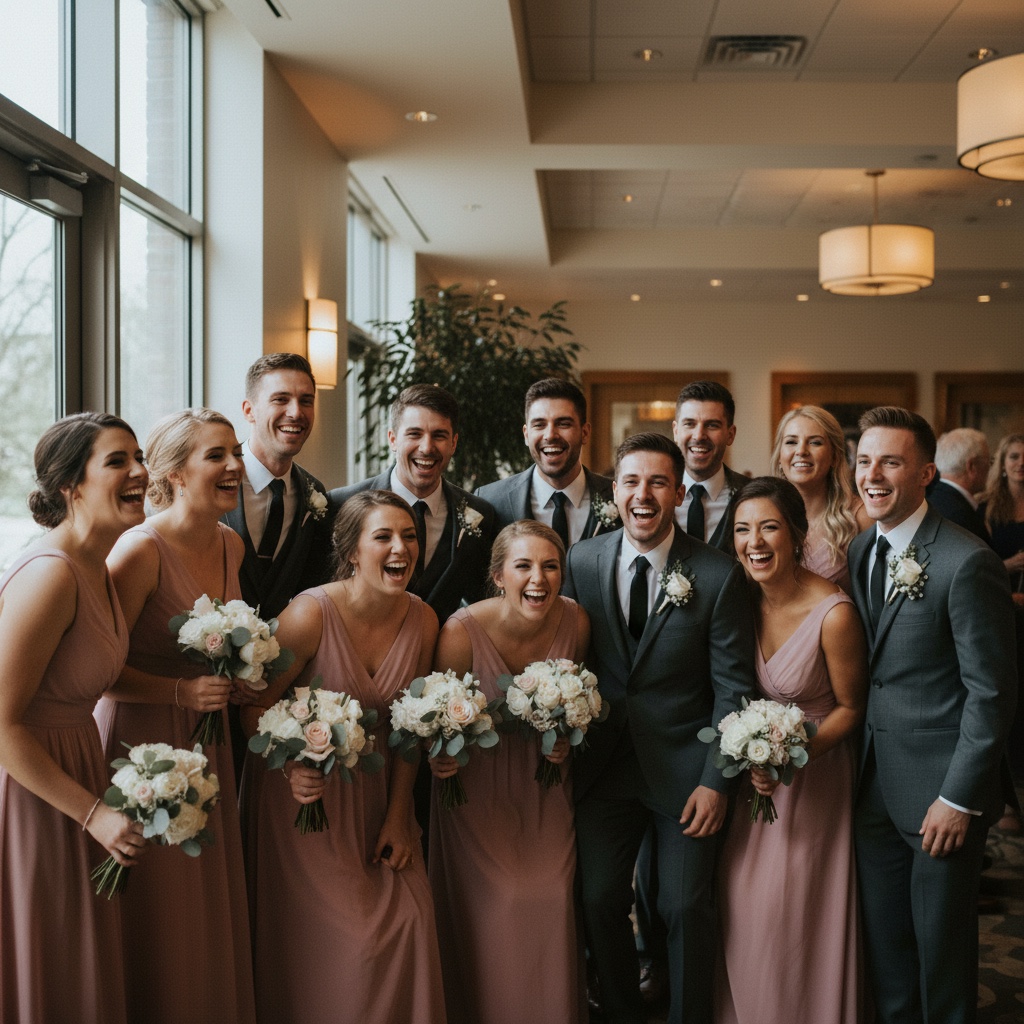
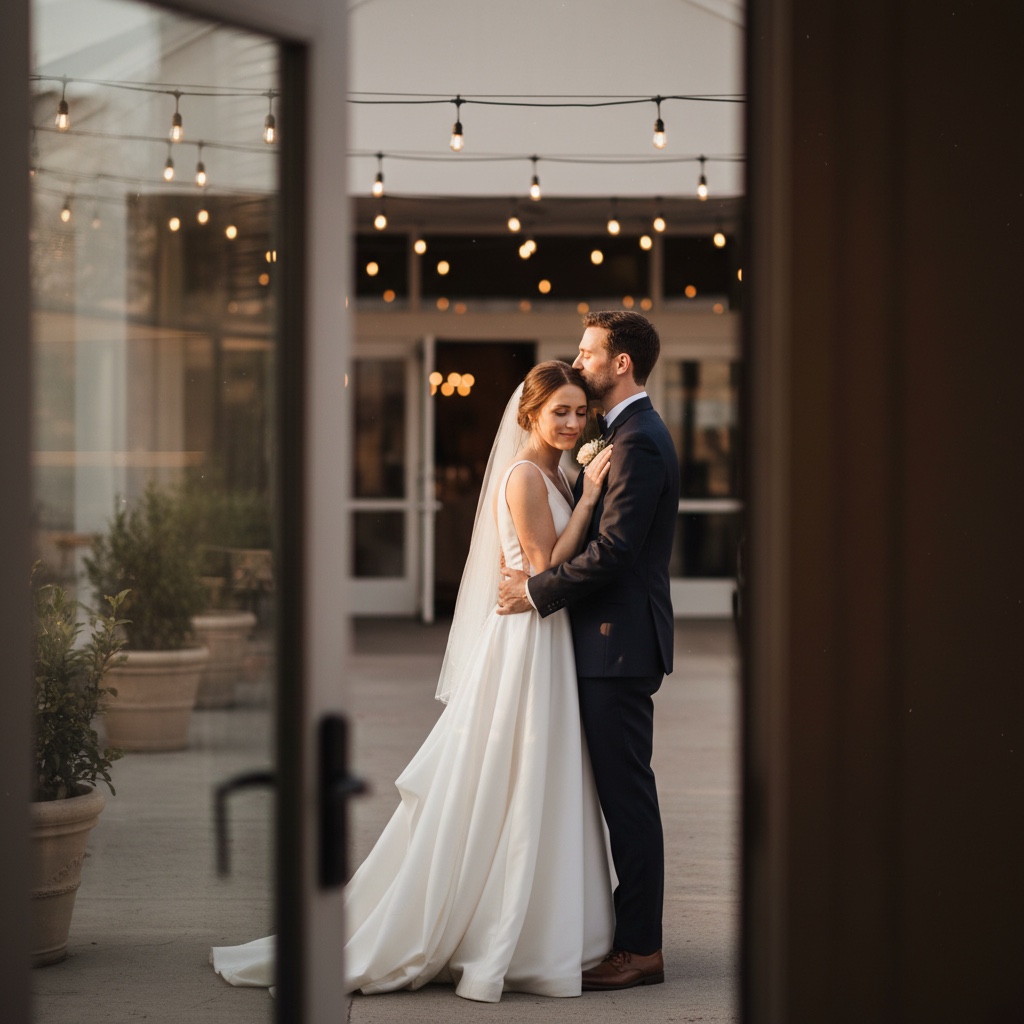
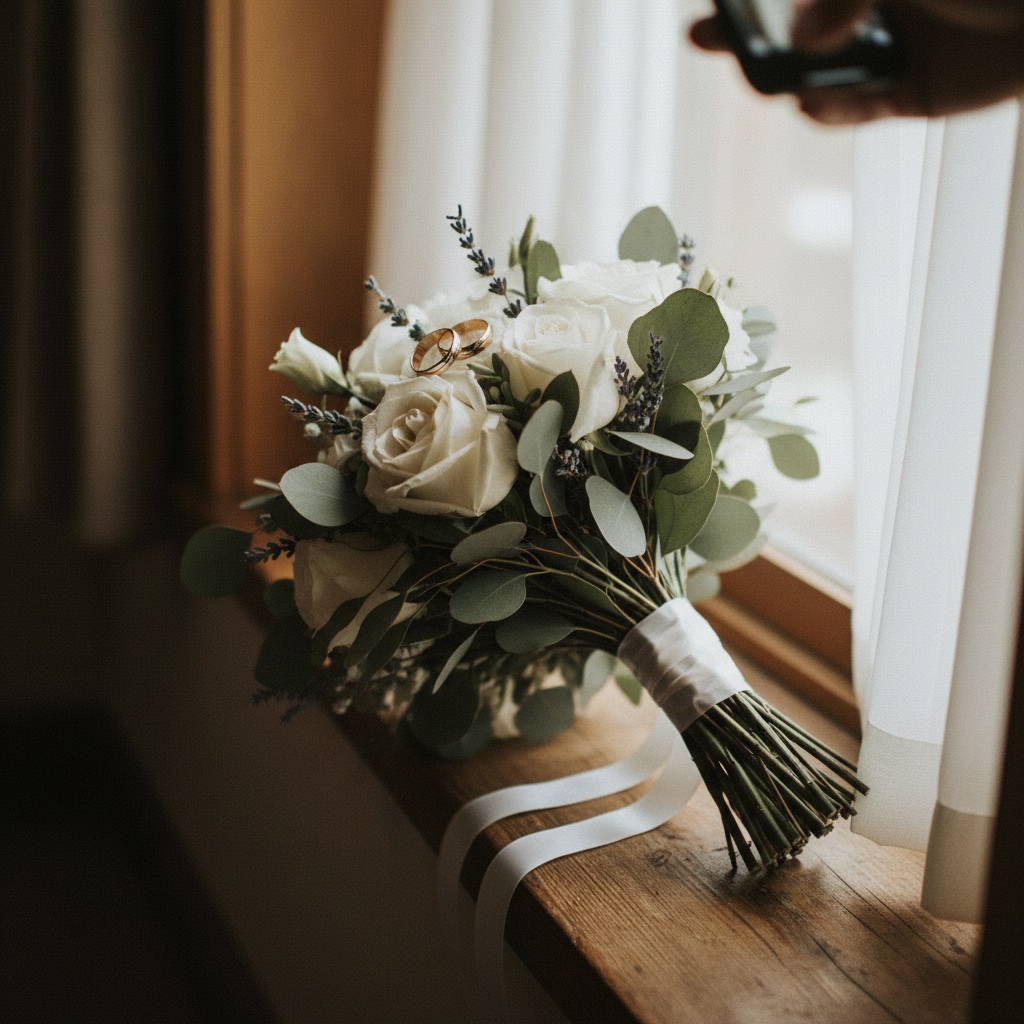
Your wedding day flies by.
The photos make it last.
The first dance from five different angles. The flower girl asleep under the cake table. The moment your dad saw you in the dress. The hug between two friends who hadn’t seen each other in years.
Your guests saw all of it. Now you can too. Every angle, every moment, every laugh, in one private wedding photo sharing album.
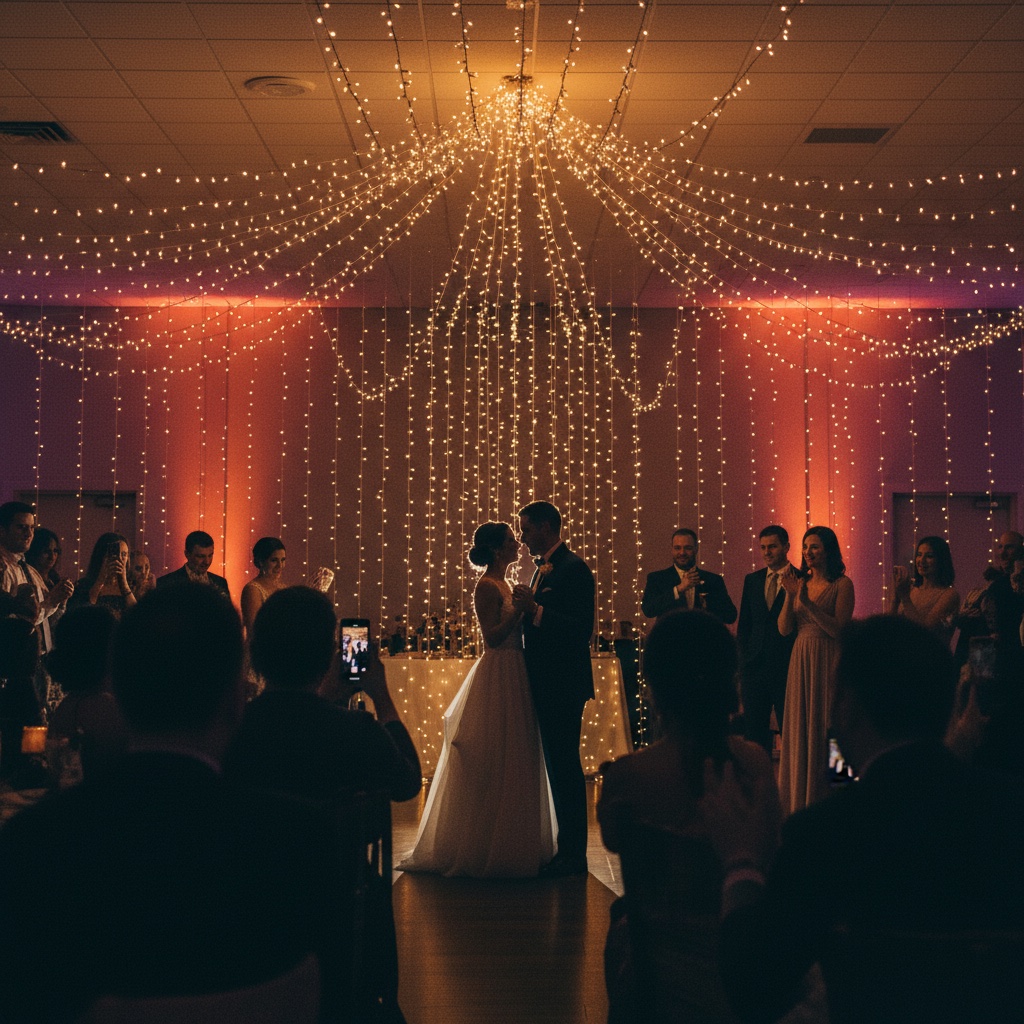
“This was perfect for my wedding day. I do wish it came with an option to order table cards directly vs having to print yourself.”
 - Cassady, wedding customer
Common questions
Do guests need to download an app?
No. Guests point their phone camera at the QR code and upload directly through their browser. Works on every iPhone and Android. No install, no account, no password.
How early should we set this up before the wedding?
Most couples set it up 2–4 weeks before the wedding. That gives you time to customise the welcome page with your names and colours, print the table signs, do a test run with a few friends, and share the link with family who can't attend so they can see photos as they roll in.
How do we actually get guests to use it on the day?
Three things work best: (1) put the QR code on every table, the welcome sign, and the bathroom mirrors; (2) have the MC mention it once at the start of the reception; (3) share the link in your group chats and email RSVP confirmations. Most weddings end up with 200–500 photos.
What if we get a photo we don't want shown?
You're in full control. Hide or delete any photo from the gallery at any time. Want to review everything first? Turn on moderation mode and approve every upload before it appears publicly.
Is our album private? Will it appear on Google?
Your album is invite-only. Only people who have the unique link or scan one of your QR codes can see or upload. It's never publicly searchable and never indexed by Google. Your wedding photos stay between you and your guests.
Can guests upload videos too, like the first dance and speeches?
Yes. Both photos and videos. No caps, no per-guest limits. Perfect for the ceremony, the speeches, the first dance, and the cousins' silly videos from the dance floor.
How long do we keep access to the photos?
Your gallery stays hosted for 6 months from your wedding date. Plenty of time for guests to upload after they get home. You can download every photo and video in full resolution at any time, individually or as a ZIP, and keep the downloads forever.
Can we print the photos for a wedding album?
Absolutely. Download any or all photos in full resolution to print, create a photo book, or send to family. The downloads include EXIF data and original quality. Ready for print.
How do we receive our QR code?
Instantly via email after purchase. You'll get your unique album link, your QR code, and PDF templates for table signs and take-home cards designed to match any wedding aesthetic. Need help planning the day? Try our free wedding timeline generator and sign generator.
What if we need help on the day?
Email [email protected]. We typically reply within an hour during business days, including weekends. We've helped hundreds of couples and know what tends to come up on the day.
Finish your guest photo plan before the wedding day.
Your guests are already going to take the photos you will want later. Give them one private QR code, no app to install, and one place to upload while the celebration is still fresh.
Save every photo from our day$39 one-time. Instant delivery. Private link and QR access. No subscriptions.
Questions? Contact us
How to choose a código qr para fotos de boda guests will actually use
If you are comparing a código qr para fotos de boda, compartir fotos de boda, or app para fotos de boda, the real question is not whether the page looks pretty. It is whether every guest can open it in seconds, upload from their phone, and help you collect the candid photos your photographer will never see.
A good código qr para fotos de boda should feel invisible on the day: guests scan, upload, and go back to celebrating while your private gallery fills with wedding photos.
What to check before you print the QR sign
- Make sure the qr para que los invitados suban fotos opens in a browser with no app install, account creation, or password step.
- Test the guest upload flow on both iPhone and Android before the wedding; álbum de fotos de boda con qr only matters if guests can upload quickly.
- Confirm that full-resolution downloads are included, because compressed gallery previews are not enough for prints or albums.
- Put the QR code on table cards, the welcome sign, and the bar or guest book table so guests see it more than once.
