Collect written well wishes alongside photos

Galleries can now collect written well wishes alongside photos and videos.
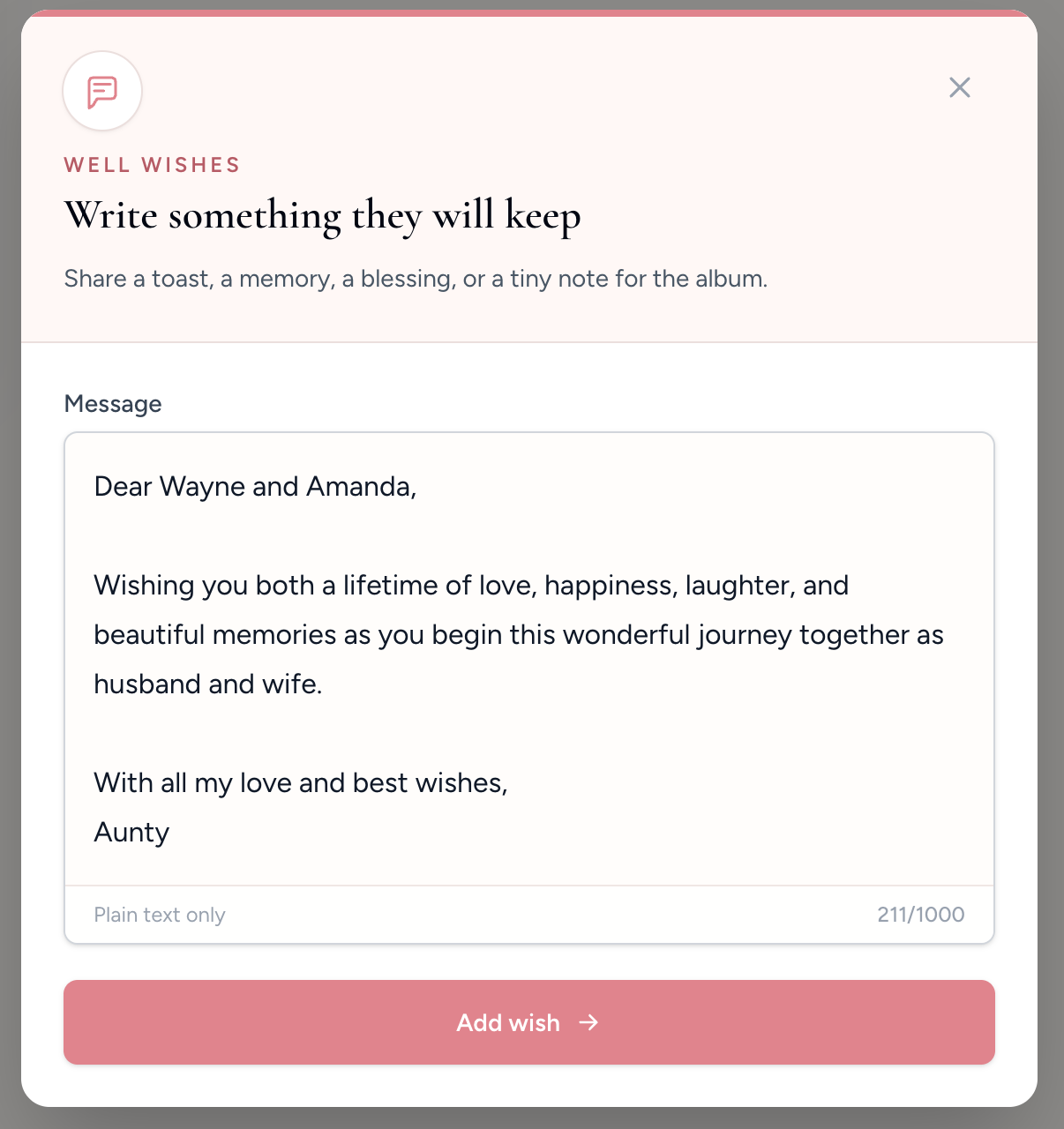
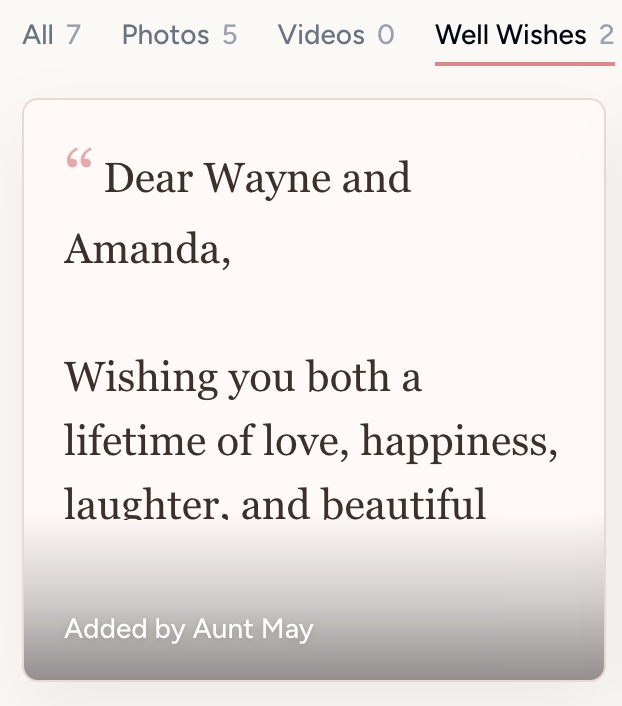
Guests can leave a short message for the host, couple, family, or guest of honor without downloading an app or creating an account.
Those messages live with the gallery, so the final album can hold both the candid pictures and the words people wanted to share.
This is especially useful for weddings, memorials, baby showers, graduations, retirements, and milestone birthdays.
Our Event Album Team
Written by the Our Event Album team. We help event hosts collect guest photos with one QR code. Based in Australia.
More updates

More accurate dashboard upload counts
Dashboard counts now better reflect actual guest uploads, making it easier to track gallery activity after the event.

Faster loading for busy galleries
Large galleries now load media more efficiently, especially when lots of guests are uploading during an event.

Print-size variants and more reliable album previews
Album setup now supports better print variants, stable cover image URLs, and cleaner purchase-only album handling.
Ready to Collect Event Photos?
Our Event Album lets guests share photos instantly with a QR code. No app download required.
Get Your Album