Print-size variants and more reliable album previews

This release improves a few important album setup details.
Print-size variants make it easier to prepare QR materials for different event needs.
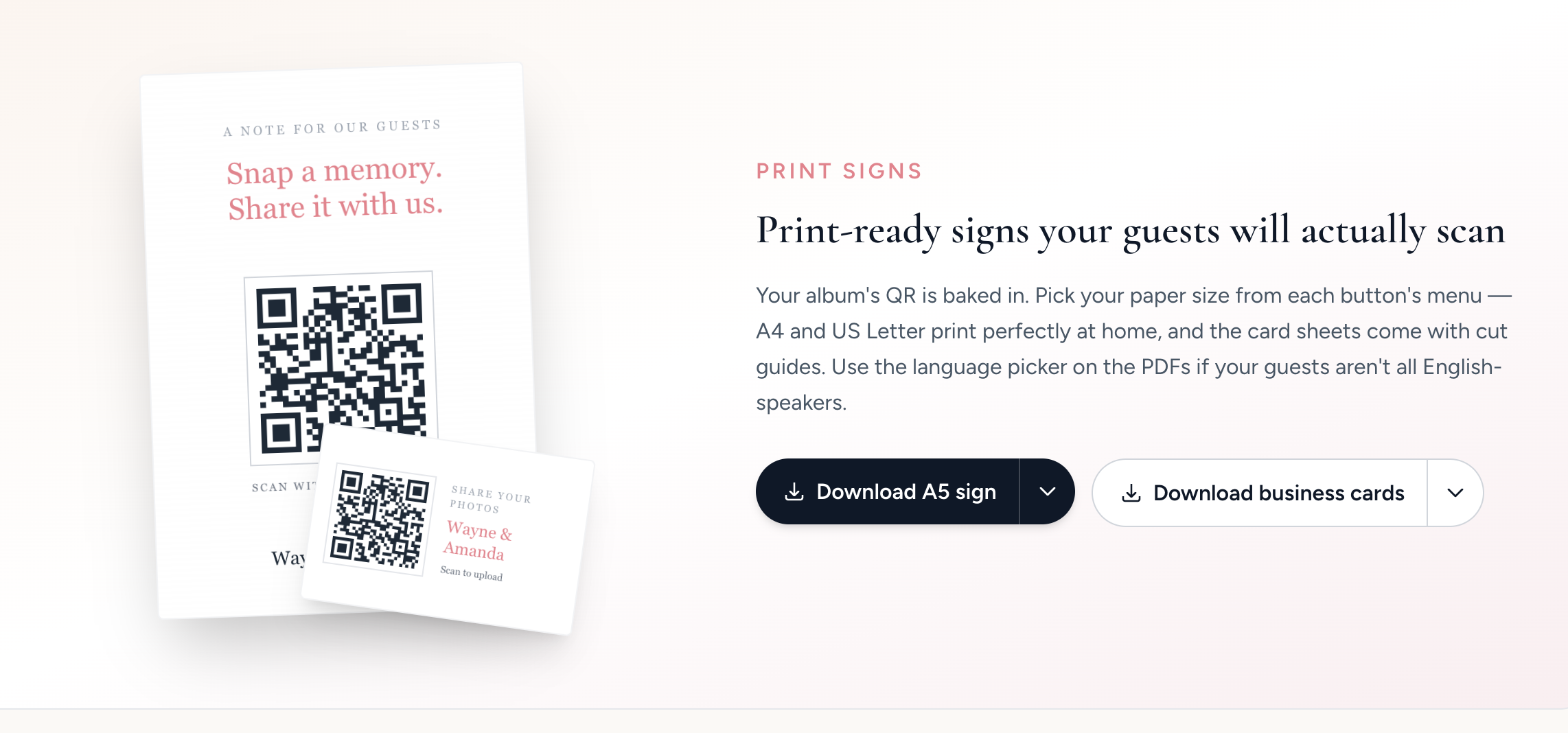
Stable cover image URLs keep album previews more reliable across sharing and admin workflows.
Purchase-only album support gives us a cleaner setup path for paid orders that should not behave like a standard public signup.
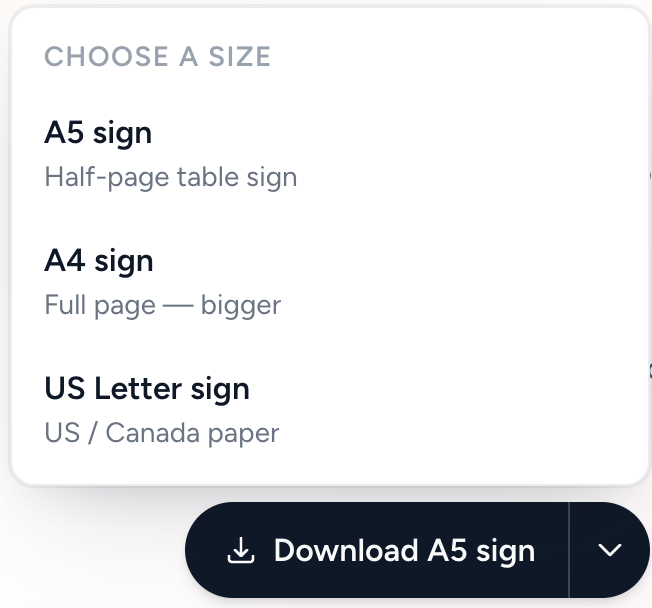
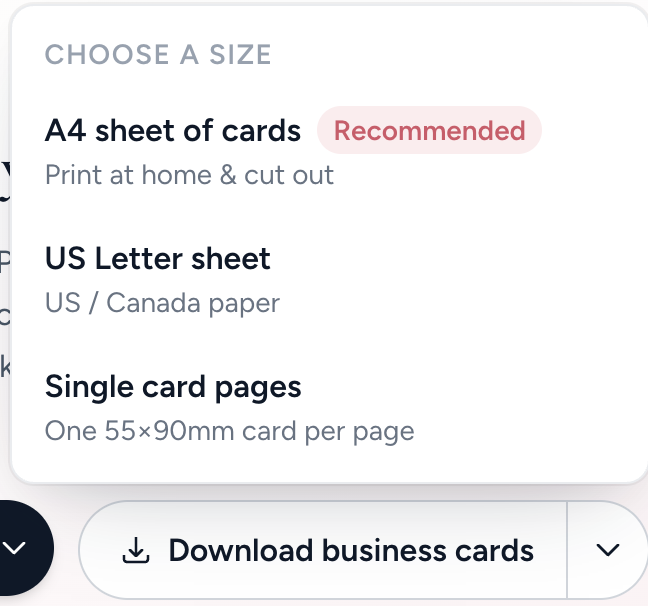
Together, these changes make album setup more dependable before guests ever scan the QR code.
Our Event Album Team
Written by the Our Event Album team. We help event hosts collect guest photos with one QR code. Based in Australia.
More updates

More accurate dashboard upload counts
Dashboard counts now better reflect actual guest uploads, making it easier to track gallery activity after the event.

Faster loading for busy galleries
Large galleries now load media more efficiently, especially when lots of guests are uploading during an event.

Collect written well wishes alongside photos
Guests can now leave written messages in the gallery, turning the album into both a photo collection and keepsake guestbook.
Ready to Collect Event Photos?
Our Event Album lets guests share photos instantly with a QR code. No app download required.
Get Your Album