社内イベントの写真をQRコードで共有。アプリもIT部門への申請も不要。
参加者はスキャンしてアップロードするだけ。すべての写真と動画が月曜の振り返り資料になります。
or try the live demo first
Your gallery is private by link and QR code, so it stays out of public search and easy to share with the right people.

One QR code at registration, tables, slides, badges, or follow-up emails.
Attendees upload from their browser. Your team downloads the full-resolution album after the event.
For the recap
Collect photos for internal newsletters, LinkedIn posts, Slack recaps, post-event emails, and next year planning decks.
For real participation
Attendees scan and upload from their browser, so this works as a practical event photo sharing app without a download.
For privacy
The album is accessed by private link or QR code, with host downloads when the event is done.
Built for the photos your recap actually needs
A photo sharing app for events should capture the room, not just the stage. Place the QR code anywhere attendees already pause, then collect the team, sponsor, session, and social moments that make the event feel alive afterward.








The photographer captures the stage. Attendees capture the event.
Keynotes and step-and-repeat photos matter, but your best recap content often happens in the room: the networking moment, the breakout table, the team laughing over coffee, the award winner's quick video from a colleague's phone.
Without a simple place to collect event photos, those files end up scattered across camera rolls, Slack threads, email attachments, and phones your team never sees.
Our Event Album gives you corporate event photo sharing with one QR code, one private gallery, and one full-resolution download.

A simple attendee photo plan for busy event teams
Set it up before the event, then let the QR code do the collecting while your team runs the day.
- 1
Create your event photo album
Add the event name, date, and welcome message. You get a unique link and printable QR code that can sit on signs, slides, badges, table tents, and follow-up emails.
- 2
Put the QR code where attendees already look
Place it at registration, near the bar, on the agenda slide, or in the recap email. Attendees scan, choose photos or videos, and upload through the browser.
- 3
Download the gallery for every recap channel
Use the private album for social posts, internal comms, sponsor recaps, newsletters, and planning proof. Full-resolution downloads mean your team is not stuck with compressed chat images.
See exactly how it works
Click through the demo below. Everything is interactive.
Create your event in seconds
Enter your event details and personalize your gallery. Your unique QR code is generated instantly.
Create Album
Instant delivery. Private gallery. No subscriptions.
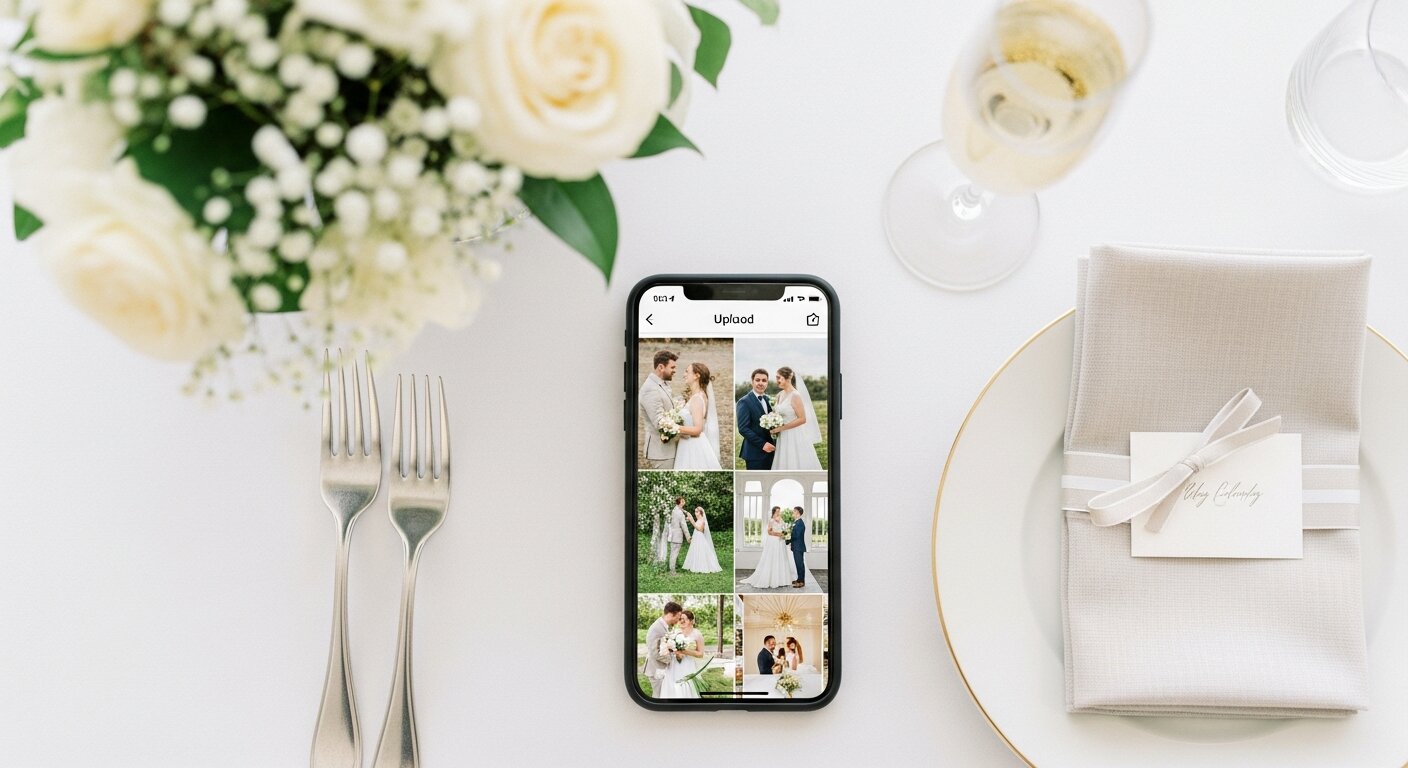
No app install. No guest account. No IT ticket.
A corporate event photo sharing app only works when attendees can use it immediately. Guests scan the QR code, tap upload, and choose the photos or videos already on their phone.
It works across iPhone, Android, and work phones because the upload flow runs in the browser. For bigger teams, it also avoids the shared-drive permissions and email attachment mess that slows down post-event content.
Your complete event photo kit
Everything to collect attendee photos for $39. One payment, nothing else to buy.
Your unique QR code and shareable link
Display it at registration, on tables, in slides, or in a follow-up email. Anyone who scans or clicks can upload photos instantly.
Professional printable sign templates
Clean sign templates you can print at the office or send to a print shop before the event.
Unlimited photos and videos
Collect keynote clips, booth moments, team photos, award reactions, and behind-the-scenes candids in one private album.
Full-resolution downloads
Download individual files or the full gallery for internal comms, social media, sponsor recaps, and archive folders.
Admin dashboard and 6 months hosting
Manage your gallery, share the private link with the right people, and download everything before hosting ends.
The event ends. The photos keep working.
Use attendee photos for the recap email, the company newsletter, the LinkedIn post, the sponsor wrap-up, the hiring page, or the internal slide deck that shows what the team actually experienced.
A shared photo album gives every team, table, and attendee one place to contribute, without asking people to email files after they get home.
See how QR code photo sharing works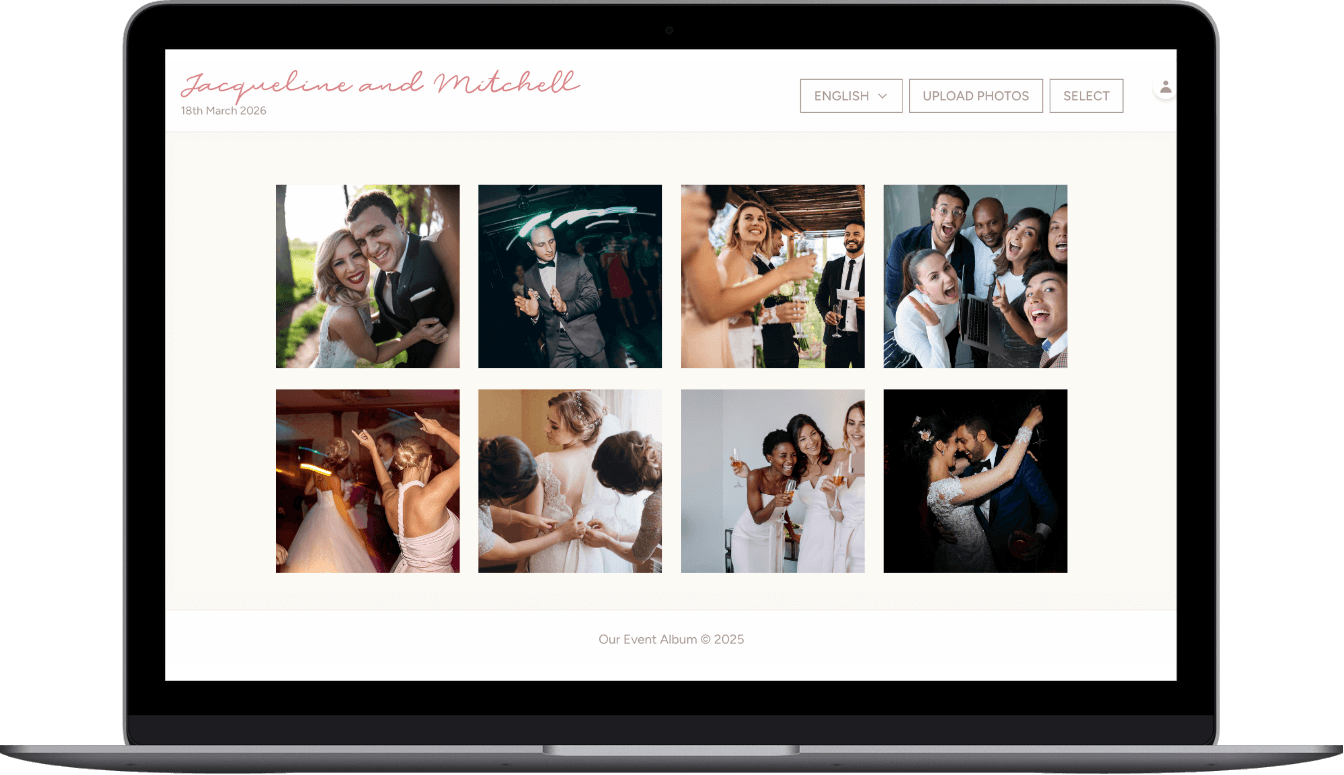
Professional enough for the event team. Simple enough for every attendee.
Guests do not need an account, app, or shared drive access. Your album stays private by link and QR code, and your team can download the full-resolution collection for the recap work that happens after the room clears.
Common questions from corporate event teams
Do attendees need to download an app?
No. Attendees scan the QR code with their phone camera and upload directly through the browser. Works on any smartphone.
Is the album secure for company use?
Yes. Only people with your unique link can access or upload to your gallery. Perfect for internal company events.
Can attendees upload videos too?
Yes! Attendees can upload both photos and videos to your gallery.
How long do we have access?
6 months from your event date. Extensions available if you need more time.
Can we download for company communications?
Absolutely. Download any or all photos in full resolution for newsletters, social media, or internal communications.
How do we receive our QR code?
Instantly via email after purchase. You'll get PDF templates for signs and take-home cards to print at home or any print shop.
Finish the attendee photo plan before the event starts.
Your attendees will take photos either way. Set up one private QR code now, then give your team a cleaner way to collect, review, and download the files after the event.
$39 one-time. Instant delivery. Private by link and QR code. No subscriptions.
Questions? Contact us
What matters for 社内イベント 写真 共有
Searches like 社内イベント 写真 共有, イベント 写真 共有アプリ, and イベント向け 写真 共有アプリ are usually about reducing friction at a live event. People are willing to add photos when the upload flow is obvious, fast, and does not pull them away from the party.
A useful 社内イベント 写真 共有 turns attendee photos into a collection you can actually use, instead of leaving them scattered across phones.
How to get more attendee photos
- Use a visible QR code for イベント qrコード on signage, slides, table cards, or badges depending on the event.
- Give guests permission to upload candid moments, not just polished portraits. Those are often the photos the host is missing.
- Avoid tools that require downloads when you need カンファレンス フォトアルバム; app installs kill participation in mixed-age groups.
- Plan where the gallery will be used afterward, such as thank-you emails, social posts, internal recaps, or a family keepsake.
